Article
Aurora Business Automation Guide for More Bookings
September 21, 2026 • 6 min read
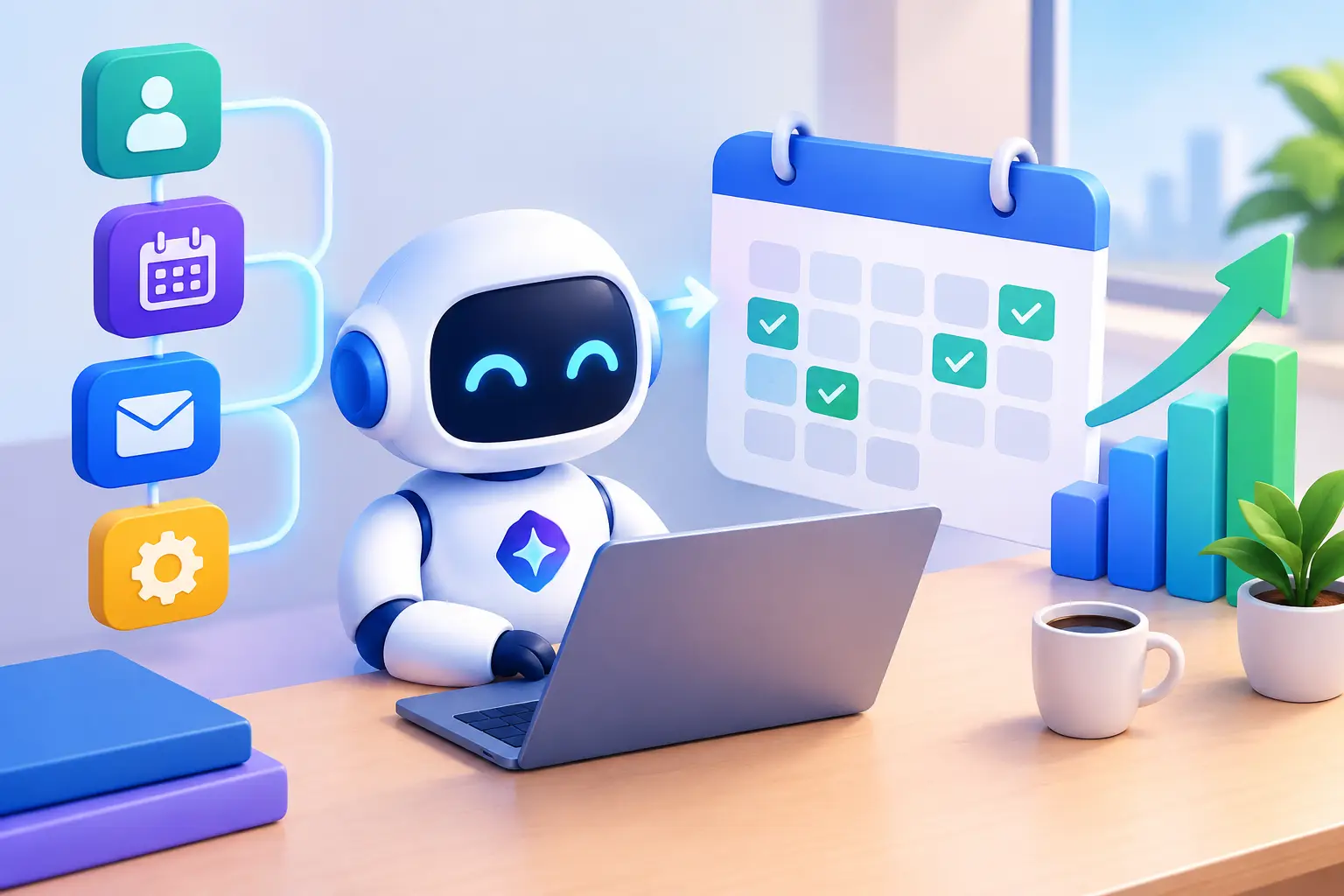
A missed call at 2:15 p.m. is rarely just one missed call. For a local garage, spa, contractor, or coaching business, it can be the customer who books with the next company that answers. This Aurora business automation guide focuses on the systems that turn more enquiries into booked work without adding another dashboard for your team to manage.
The goal is not to automate every interaction. The goal is to remove delays, prevent leads from slipping through, and give customers a clear path from Google search to appointment. When the right pieces work together, your team spends less time chasing leads and more time serving paying customers.
Aurora business automation guide: start with the lead
Most service businesses do not have a lead problem first. They have a response-time problem. A customer fills out a website form after hours, sends a text while your staff are busy, or calls during an appointment. If nobody responds until the next morning, interest has cooled and competitors have had time to step in.
Start by mapping every way a prospect can contact you: phone calls, website forms, chat, text messages, Google Business Profile messages, social enquiries, and referrals. Then ask one direct question: what happens in the first five minutes after each enquiry arrives?
If the answer depends on someone noticing an email or remembering to call back, the process is not reliable. Your system should immediately capture the contact details, record the source, notify the right person, and send a useful first response. That response can confirm the enquiry was received, answer a basic question, and offer the next step, such as booking an estimate or calling back.
Speed matters, but relevance matters too. A homeowner requesting emergency plumbing support needs a different response than someone asking for a renovation quote. Build separate follow-up paths for your highest-value enquiry types rather than sending every lead the same generic message.
Build one operating system, not a pile of tools
Automation breaks down when your website, inbox, scheduling app, review platform, and CRM each hold a different version of the customer record. Staff then copy information manually, follow up inconsistently, and struggle to see whether a lead was contacted or booked.
A better setup uses one central CRM as the operating record. Every new lead should enter the same pipeline, whether they called, completed a form, replied to an outreach campaign, or started a chat. From there, the system can assign ownership, create follow-up tasks, log conversations, and report on outcomes.
For a local service business, a practical pipeline is usually simple: new lead, contacted, qualified, estimate or consultation booked, quote sent, won, and lost. The exact labels can change, but every stage must reflect a real business action. Avoid complicated pipelines that staff will not update during a busy day.
Your automation should support the work your team already does well. If your office manager is responsible for callbacks, alerts should go there first. If technicians need job details before an estimate, the CRM should collect those details before the appointment is confirmed. Automation is useful when it creates clarity, not when it adds steps.
Automate the moments that affect revenue
The highest-return automations are usually not flashy. They handle the repetitive moments where slow follow-up costs bookings or where manual work creates inconsistency.
A strong lead-handling sequence begins the moment an enquiry arrives. The lead receives a confirmation by text or email, the business receives an internal notification, and the contact is added to a follow-up queue. If there is no reply after a set period, the system can send a second message or prompt a team member to call.
Appointment automation should reduce no-shows and remove back-and-forth scheduling. Send a confirmation when the booking is made, a reminder before the appointment, and a short message if the customer needs to reschedule. For businesses that quote in person, send the customer a preparation note explaining what information or access is needed before the visit.
Quote follow-up is another major gap. Many businesses invest time in estimates but have no consistent process after sending them. A CRM can trigger a polite follow-up after a few days, then create a call task for larger opportunities. The message should be helpful, not pushy. Ask whether the customer has questions, whether timing has changed, or whether they need a revised option.
Review generation belongs in the same system. Once a job is marked complete or an appointment is finished, send a review request while the experience is still fresh. A short request by text is often enough. If the customer does not respond, one reminder is reasonable. Repeated requests are not.
Use AI where it helps, not where it creates risk
AI chat and voice reception can help local businesses respond outside office hours, qualify basic enquiries, and capture appointment requests. For businesses that lose leads because nobody can answer during service calls, this can create immediate value.
But AI should not be positioned as a replacement for judgement. It should not promise pricing, diagnose technical problems, handle sensitive complaints, or provide answers your business cannot stand behind. Set clear rules for what the assistant can collect, what it can answer, and when it must transfer the conversation to a person.
The best use case is straightforward: an AI assistant gathers the customer name, contact details, service need, location, preferred timing, and urgency. It then books a suitable slot or sends the enquiry to the right team member. The customer gets a fast answer, and your staff get a qualified lead instead of an incomplete message.
Connect automation to local visibility
Automation cannot compensate for poor demand generation. If your website is slow, your service pages do not match what customers search for, or your Google Business Profile is neglected, there will be fewer leads entering the system.
The connection is simple. Local SEO and a conversion-focused website bring in high-intent traffic. Clear calls to action turn visitors into calls and form submissions. CRM automation makes sure those contacts get handled quickly. Review requests strengthen your reputation, which can improve future conversion from search.
Track the source of every lead where possible. You need to know whether calls came from Google, paid ads, referrals, organic website traffic, or outreach. Otherwise, it is easy to spend money on channels that produce activity but not revenue.
For Aurora businesses competing in crowded home service and personal service categories, this visibility-to-follow-up chain is often the difference between being found and being chosen. Ranking creates an opportunity. Fast, organized response turns that opportunity into booked work.
Roll out automation in the right order
Trying to launch ten automations at once usually creates confusion. Start with the points where revenue is already leaking: missed calls, website enquiries, delayed follow-up, no-shows, and unrequested reviews.
First, make sure every lead enters one CRM and receives an immediate acknowledgement. Next, build appointment reminders and a simple follow-up process for unconverted leads. Then add quote follow-up and review requests. AI reception, reactivation campaigns, and more advanced reporting can follow once the core process is working.
Before any workflow goes live, test it like a customer would. Submit a form, call after hours, book an appointment, cancel one, request a quote, and complete a job. Check every message for timing, accuracy, and tone. A poorly configured automation can damage trust faster than no automation at all.
Review the numbers monthly. Look at lead volume, first response time, contact rate, booking rate, show rate, quote acceptance, review volume, and cost per booked customer. If a metric is weak, fix the stage that feeds it. More leads will not solve a poor contact rate, and more reminders will not solve an unclear offer.
The right system should make growth feel more controlled, not more complicated. When every enquiry is captured, every customer receives timely follow-up, and your team can see what happens next, marketing stops being a collection of loose tasks. It becomes an operating process built to produce more booked customers.
Allan Heath
Founder of Ignite Leads. Helps local businesses grow through SEO, lead generation, and marketing automation — simplifying the playbook so owners can focus on the work.