Article
Best Automation Tools for Service Businesses
September 18, 2026 • 7 min read
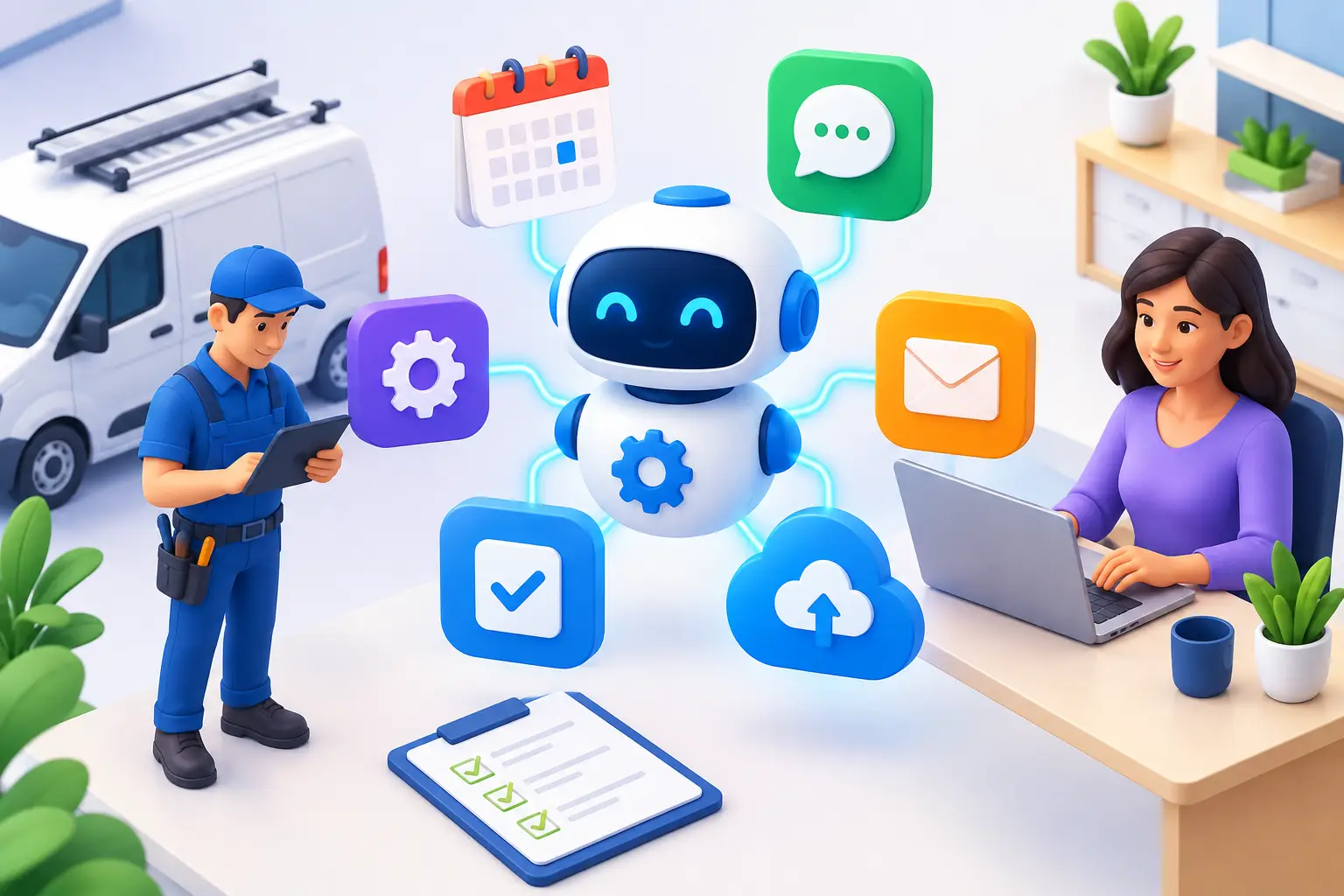
A missed call at 2:15 p.m. can become a booked job for the competitor who replies at 2:16. That is the real reason local operators look for the best automation tools for service businesses. The goal is not to add more software. It is to make sure every enquiry gets a fast response, every prospect gets followed up with, and every completed job creates the next opportunity.
For businesses in Barrie, Newmarket, Aurora, and Vaughan, the strongest automation setup usually supports one simple path: get found, capture the lead, respond immediately, book the appointment, follow up, and request the review. If a tool does not improve one of those steps, it is probably another login your team does not need.
What Makes an Automation Tool Worth Paying For?
Service businesses do not need enterprise software built for a 500-person sales department. They need systems that reduce response time and admin work without creating a complicated process for technicians, front-desk staff, or owners.
The right tool depends on how customers contact you and how your operation runs. A garage may need missed-call text back and appointment reminders. A home service company may need estimates, dispatching, and job follow-up. A clinic, coach, or spa may care more about online booking, no-show reduction, and reactivation campaigns.
Before choosing anything, look for three non-negotiables: it must connect to your existing lead sources, automate the next step immediately, and give you a clear record of the conversation. A tool that sends a message but leaves your team guessing what happened is not solving the problem.
The Best Automation Tools for Service Businesses by Job
1. An all-in-one CRM for lead capture and follow-up
A CRM is the operating centre of your lead generation system. It collects enquiries from your website forms, calls, chat, social messages, and campaigns, then keeps every contact and conversation in one place.
Platforms such as GoHighLevel, HubSpot, and Zoho CRM can automate lead assignment, text messages, emails, pipeline updates, and appointment booking. For many local businesses, GoHighLevel is a practical fit because it combines CRM, messaging, calendars, reviews, and automation workflows in one platform. HubSpot is polished and powerful, but costs can rise quickly as your contacts and requirements grow. Zoho can work well for teams that need customization, though setup often takes more effort.
The feature that matters most is immediate follow-up. When a prospect submits a form requesting a quote, the system should send a text or email within seconds, notify the right person, and create a task if nobody responds. That small workflow prevents leads from going cold while your staff are on-site or serving another customer.
2. AI chat and voice reception for after-hours leads
Most service enquiries do not arrive at convenient times. They come in while your team is driving, working, eating dinner, or already on another call. AI chat and voice reception helps you handle those moments without paying someone to sit beside the phone around the clock.
An AI website chat assistant can answer common questions, ask qualifying questions, collect job details, and offer booking times. AI voice reception can answer inbound calls, route urgent requests, take messages, and send callers a booking link. Used properly, it is not meant to pretend it is a human expert. It is there to respond quickly, capture the enquiry, and move the prospect to the next step.
This works especially well for businesses that lose calls after hours or during busy periods. The trade-off is that AI needs proper setup. Give it vague information and it will give vague answers. Your service areas, hours, pricing boundaries, booking rules, and escalation process must be clear from the start.
3. Online booking tools that reduce back-and-forth
Booking tools turn interest into a calendar slot before a lead has time to keep shopping. Calendly is a straightforward choice for consultations, coaching calls, and sales appointments. Acuity Scheduling is useful for appointment-based businesses that need intake forms, deposits, or service-specific scheduling. Jobber and Housecall Pro are stronger options for field service businesses that also need quoting, job scheduling, dispatch, and payment workflows.
The best booking experience is short. Offer only the appointment types and time windows you can actually service. Add buffers for travel, prep, or cleanup. Then pair the calendar with reminders by text and email so customers show up.
Automation cannot fix an overloaded schedule. If you are booked two weeks out, do not present same-week availability just to win the enquiry. Instead, automate a clear message, offer the next available time, and give the prospect a waitlist option if that fits your business.
4. Review automation for stronger local visibility
Reviews are not a vanity metric for local service companies. They influence whether a customer calls you from Google, trusts your business, and chooses you over the company with no recent feedback.
Review platforms such as Birdeye, Podium, and built-in CRM review workflows can automatically send a review request after a job is complete. The timing matters. Ask when the customer has experienced the result, not three days before the work is finished. A detailing shop may request a review shortly after pickup. A contractor may wait until the final walkthrough is complete.
Keep the request simple and use a direct message that sounds like your business. You also need an internal process for unhappy customers. Do not automate your way into publicly asking every dissatisfied client for a review. A smart workflow can first ask for private feedback, notify your team of issues, and protect the customer relationship before requesting a public review.
5. Job management automation for field teams
For home services, trades, and mobile businesses, a lead is only valuable if the work gets scheduled, completed, invoiced, and followed up properly. Jobber, Housecall Pro, and ServiceTitan are examples of platforms designed around field operations.
These tools can send estimate reminders, confirm appointments, alert customers when a technician is on the way, collect payments, and trigger post-job follow-up. They reduce the manual coordination that causes scheduling errors and forgotten invoices.
ServiceTitan is built for larger, more complex operations and may be excessive for a smaller team. Jobber and Housecall Pro are often easier starting points for local operators. The decision should come down to whether you need a marketing CRM, a field-service operating system, or both connected together. Do not force one tool to do a job it was never designed to handle.
6. Email and SMS automation for leads that are not ready yet
Not every prospect books on the first contact. Some are comparing options. Some need approval from a spouse or manager. Some simply get distracted. Automated SMS and email follow-up keeps your company present without requiring your staff to chase every lead manually.
A useful sequence is direct and brief: confirm you received the request, answer the likely next question, provide a booking or quote path, and send a final follow-up if they do not respond. For example, a roofing company could acknowledge an estimate request immediately, send a reminder the next day, and offer a specific inspection time two days later.
Avoid turning your follow-up into noise. Too many messages, generic promotions, or unnecessary reminders will train people to ignore you. Automation should feel timely and helpful, not relentless.
Build One Connected System, Not a Software Pile
The biggest mistake is buying separate tools for forms, email, texts, calls, calendars, reviews, and reporting without deciding how they communicate. That creates duplicate contacts, inconsistent messaging, and leads that disappear between platforms.
Start by mapping what happens from the moment someone searches Google to the moment they become a repeat customer. Identify the handoffs where leads are currently missed. For most service businesses, the priority order is website and Google lead capture, instant response, booking, reminders, review requests, and reactivation.
Then choose tools that integrate cleanly or use one central CRM to coordinate the process. A managed setup can be a better option when you want the system working without spending your own time building workflows, testing messages, and fixing broken integrations. Ignite Leads takes this approach by coordinating website leads, local visibility, review generation, CRM follow-up, and AI-assisted reception as one system instead of a collection of disconnected subscriptions.
Measure the Results That Affect Revenue
Do not judge automation by how many workflows you have. Track speed to lead, contact rate, booked appointment rate, no-show rate, review volume, and revenue by lead source. These numbers tell you whether the system is creating more customers or simply sending more messages.
A fast reply is valuable only if it leads to a real conversation. A full calendar is valuable only if appointments show up and buy. Review these numbers monthly, identify the weakest step, and improve that one before adding another tool.
The right automation does not remove the human side of a service business. It protects it by removing the repetitive tasks that delay replies and frustrate customers. Build the system around the moments that win or lose a booking, and let your team spend more time delivering work people are happy to recommend.
Allan Heath
Founder of Ignite Leads. Helps local businesses grow through SEO, lead generation, and marketing automation — simplifying the playbook so owners can focus on the work.