Article
7 Best Local Lead Tracking Tools for Service Teams
September 24, 2026 • 7 min read
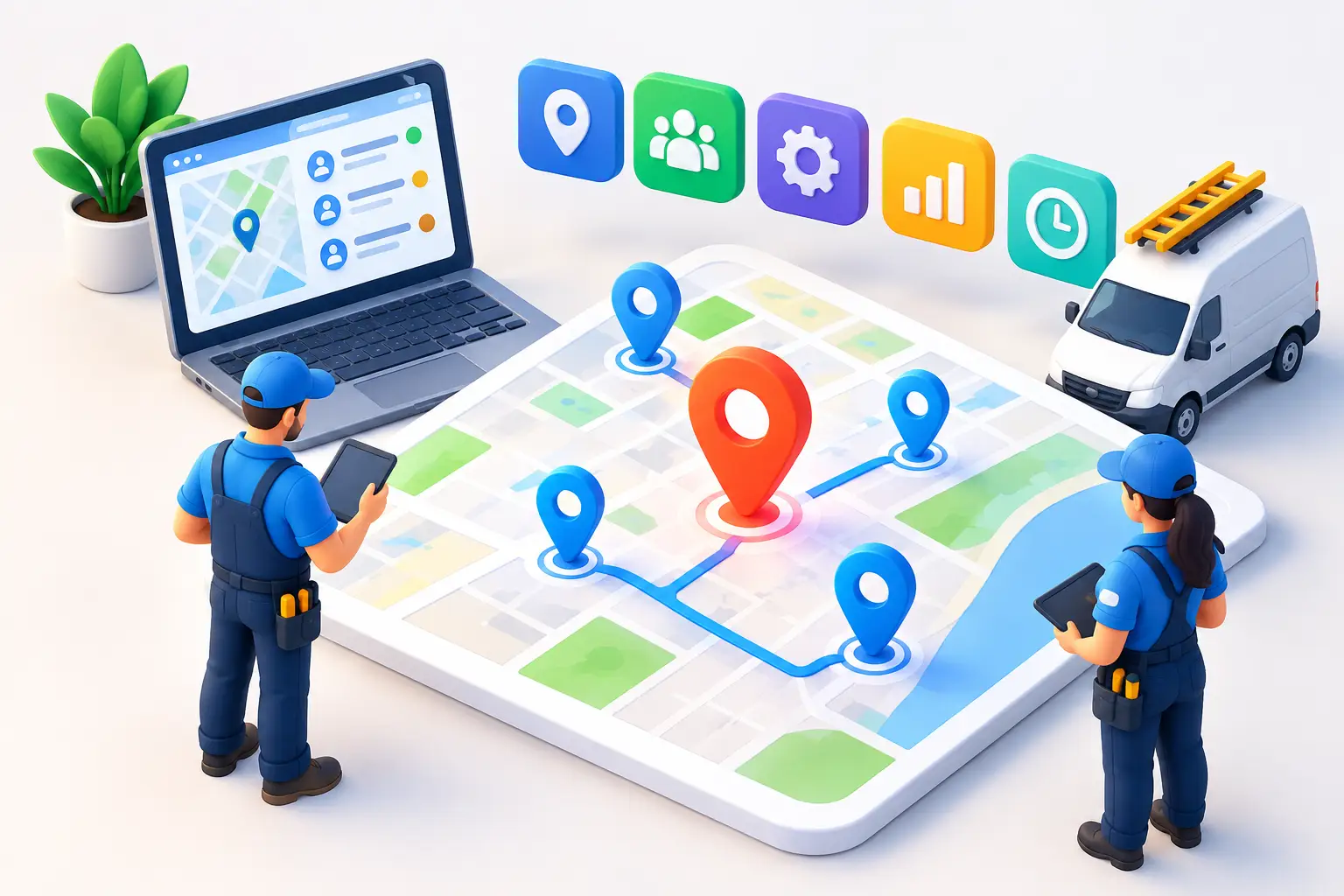
A lead calls your garage after finding you on Google. Another submits a form for a roofing quote at 9:12 p.m. A third sends a Facebook message during a busy Monday morning. If those conversations land in different places, follow-up slows down and revenue disappears. The best local lead tracking tools give service businesses one clear view of every enquiry, who owns it, and what happens next.
For businesses in Barrie, Newmarket, Aurora, and Vaughan, the goal is not to collect more software subscriptions. It is to build a system that turns local intent into booked appointments before a competitor responds first.
What Local Lead Tracking Must Actually Do
A basic contact database is not enough. Local service businesses need to know where a lead came from, whether someone replied quickly, and whether that lead became a booked job, a sale, or a missed opportunity.
The right platform should capture calls, web forms, text messages, chat enquiries, social messages, and referrals in a central pipeline. It should assign the next action automatically, record the conversation history, and make it obvious when a lead has gone cold.
Source tracking matters just as much. If you spend on Google Ads, local SEO, referral partnerships, or cold outreach, you need to see which channels produce real revenue, not just form fills. A campaign that generates 40 enquiries is not winning if none of those people answer the phone, qualify, or book.
For most operators, the best choice depends on how the business runs. A contractor needs job scheduling tied to leads. A spa may care more about automated reminders and rebooking. A multi-location business needs location-level reporting and consistent response standards. Start with the workflow, then choose the tool.
7 Best Local Lead Tracking Tools for Service Businesses
1. GoHighLevel for an all-in-one follow-up system
GoHighLevel is a strong fit for businesses that want lead capture, CRM pipelines, text and email automation, call tracking, appointment booking, and reputation workflows in one environment. It is particularly useful when speed-to-lead is the problem.
A new enquiry can enter a pipeline, trigger an instant text, alert the right team member, and receive appointment reminders without someone manually moving data between platforms. That reduces the gap between interest and contact.
The trade-off is setup. GoHighLevel is powerful, but it can become messy when pipelines, tags, automations, and user permissions are built without a clear process. It delivers the most value when a team manages the configuration and keeps reporting tied to booked customers.
2. HubSpot for sales visibility and structured reporting
HubSpot is a polished CRM for businesses with a dedicated sales team or a more complex lead-handling process. Its contact records, deal stages, task tracking, reporting, and marketing tools make it easier to see where leads stall.
It works well for coaching businesses, higher-ticket home service providers, and growing companies that need repeatable sales processes. Managers can review response times, conversion by source, and individual follow-up activity without relying on spreadsheets.
The downside is cost and complexity as requirements grow. HubSpot can be more platform than a small local team needs, especially if staff only require fast texting, call logging, and appointment booking. It is a good operational CRM, but it still needs disciplined use to produce clean data.
3. Jobber for home service leads through to the job
Jobber is built for field service businesses that need to turn an enquiry into a quote, scheduled visit, completed job, and payment. For cleaners, landscapers, plumbers, electricians, and similar teams, that connection is valuable because the lead record does not end when the customer books.
Its workflow keeps customer communication, estimates, scheduling, invoicing, and job history closer together. That gives owners a practical way to track what happened after the initial call.
Jobber is less flexible than a broad CRM for sophisticated marketing automation or multi-channel nurturing. If lead generation is handled across several campaigns, you may need complementary tracking or automation around it. But for service delivery and sales follow-through, it is a practical option.
4. ServiceTitan for larger trade operations
ServiceTitan is designed for established trade businesses with multiple technicians, dispatch needs, call handling, memberships, and more detailed operational reporting. It can connect lead activity to booking, dispatch, job outcomes, and revenue at a deeper level than lighter field-service platforms.
For a larger HVAC, plumbing, electrical, or restoration company, that level of visibility can justify the investment. It helps leadership measure which sources generate profitable work rather than simply counting inbound calls.
It is not the right answer for every local business. The platform is built for scale and requires commitment to implementation, training, and process change. Smaller teams can often get better results from a simpler system that gets used every day.
5. Pipedrive for simple pipeline discipline
Pipedrive is a straightforward sales CRM that makes lead stages and follow-up tasks easy to manage. Its visual pipeline is useful for businesses that need a clear answer to one question: what is the next step for every open opportunity?
It suits sales-led service businesses, consultants, renovation companies, and teams that quote work rather than schedule instant appointments. A manager can quickly see uncontacted leads, estimates awaiting approval, and deals that need a final follow-up.
Pipedrive does not replace a full local marketing stack. You may need separate tools for review requests, AI reception, web chat, and advanced communications automation. Still, its simplicity is an advantage when the current alternative is a cluttered inbox and forgotten callbacks.
6. CallRail for knowing which calls drive revenue
For many local businesses, phone calls are the highest-value leads. CallRail focuses on call tracking, recording, attribution, and conversation insights so you can identify whether calls came from Google Ads, organic search, a directory, or another source.
That is useful when marketing spend needs scrutiny. Instead of assuming a campaign worked because call volume increased, you can review call quality and connect qualified calls with downstream outcomes.
CallRail is not a complete lead management platform on its own. It is best used alongside a CRM or service platform where the team can manage follow-up and final job status. Its strength is attribution: it tells you what made the phone ring and what those calls were about.
7. Birdeye for reputation-led local lead management
Birdeye is useful for businesses where reviews, messaging, listings, and local reputation play a central role in generating enquiries. It helps teams manage customer communications and review generation while monitoring how customers find and engage with the business.
This is especially relevant for spas, clinics, automotive businesses, and multi-location brands. Strong reviews improve trust before a customer ever submits a form or makes a call, and review requests can be automated after a completed service.
Birdeye should not be chosen solely as a CRM replacement. Its lead tracking capabilities are most valuable when reputation is a major growth lever and another system handles the full sales or job workflow.
How to Choose the Right Lead Tracking System
Start by mapping the journey from first enquiry to paid customer. Write down every entry point: Google Business Profile calls, website forms, chat, text, social messages, referrals, and paid ads. Then identify where leads currently disappear.
If no one responds after hours, prioritize AI chat or voice reception and instant automated replies. If leads are contacted but estimates are not followed up, prioritize pipeline tasks and quote reminders. If you cannot tell whether SEO or paid ads are producing customers, prioritize source and call tracking.
Avoid buying a tool because it has the longest feature list. The best system is the one that gives your team fewer places to check, shorter response times, and reporting you can act on. A platform with 50 unused features will not outperform a simple workflow that every staff member follows.
The non-negotiable features
Whatever platform you choose, look for lead source attribution, a shared communication history, mobile access, automated follow-up, appointment scheduling, ownership assignment, and reporting on booked or closed revenue. For Canadian businesses, make sure consent practices for text and email follow-up are built into the workflow and reviewed properly.
Also decide who will own the system. If an owner or office manager has no time to maintain tags, pipelines, and automations, a managed setup is often the better financial decision. Software only helps after it is configured around real business operations.
Turn Tracking Into Faster Bookings
Lead tracking is not a reporting exercise. It is a response-time system. Every new call, form, and message should receive an immediate acknowledgement, land with the right person, and trigger follow-up until there is a clear outcome.
That is where an integrated approach earns its value. Ignite Leads helps local service businesses connect visibility, lead capture, AI-assisted reception, CRM automation, reviews, and follow-up under one managed system. The objective is simple: fewer missed opportunities and more booked customers without giving your team another dashboard to babysit.
Choose the tool that fits your operation, then make the next action automatic. A lead is only valuable when someone responds before the customer moves on.
Allan Heath
Founder of Ignite Leads. Helps local businesses grow through SEO, lead generation, and marketing automation — simplifying the playbook so owners can focus on the work.