Article
Best Tools for Appointment Scheduling in 2026
November 18, 2026 • 6 min read
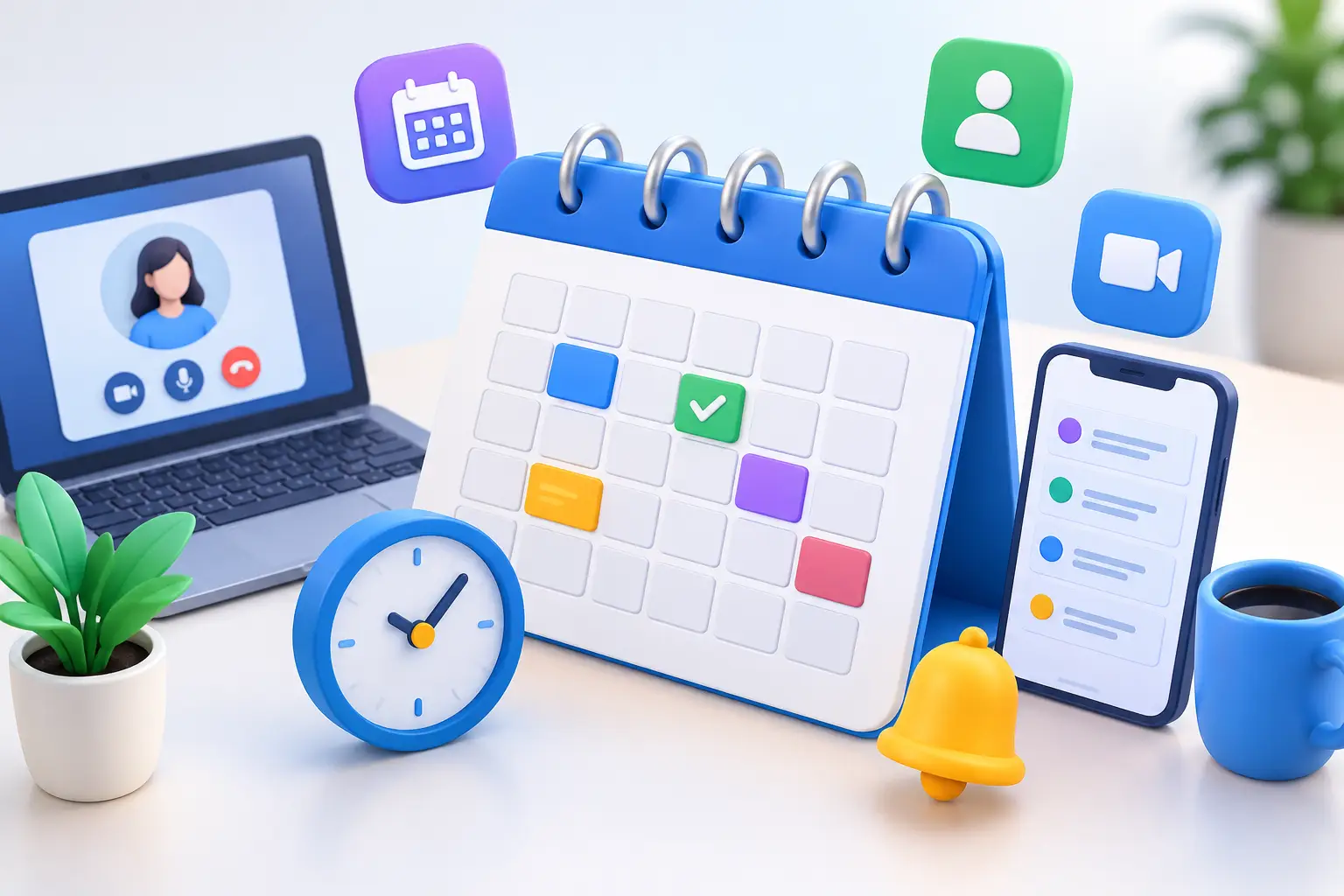
A missed call at 4:45 p.m. can become a booked competitor by 4:50. That is why the best tools for appointment scheduling are not just digital calendars. For local service businesses, they are the front desk, the follow-up system, and often the difference between an expensive lead and a paying customer.
The right platform lets people book when they are ready, confirms the appointment instantly, sends reminders automatically, and keeps your team from chasing details over text. The wrong platform creates another login, another disconnected contact list, and another reason a lead slips through the cracks.
What a scheduling tool must do for a local business
A basic booking link is enough for a solo consultant with one service and plenty of free time. It is not enough for a garage managing bays, a spa assigning staff, or a home service company routing technicians across Barrie, Newmarket, Aurora, or Vaughan.
Start with the booking experience. Customers should be able to choose a service, see real availability, select the right team member or location, and receive a clear confirmation without calling your office. Mobile matters most. Many local customers will find you on Google, check reviews, and book from their phone within minutes.
Then look behind the booking page. A useful system needs calendar sync, automated SMS and email reminders, intake forms, cancellation rules, deposits or payments where needed, and reporting that shows appointments, no-shows, and revenue. If your team follows up on estimates, missed calls, or unbooked inquiries, the scheduler should also feed that contact into a CRM.
The key question is simple: does this tool only schedule appointments, or does it help your business convert and keep more customers?
The best tools for appointment scheduling by business type
No single platform wins for every operator. The best choice depends on how you deliver the service, how many staff members need access, and whether you need a complete customer-management system or a focused booking layer.
Square Appointments for simple service booking and payments
Square Appointments is a practical fit for salons, spas, personal services, and small appointment-based teams that already take payments through Square. It combines online booking, staff calendars, payment processing, reminders, and basic client management in one place.
Its strength is simplicity. A business owner can get a professional booking flow live quickly without building a complicated system. It is especially useful when deposits, late-cancellation fees, and checkout happen at the same appointment.
The trade-off is that it may feel limiting for businesses with longer sales cycles, field teams, or complex lead follow-up. If a prospect requests an estimate before they can book, you may still need separate CRM automation to prevent slow response times.
Acuity Scheduling for customized appointment flows
Acuity Scheduling is a strong option for coaches, consultants, wellness providers, and businesses that need more control over how clients book. It handles multiple appointment types, availability rules, intake forms, packages, and payment collection.
It is useful when the questions asked before an appointment matter. A coach may need a detailed application. A medical-adjacent wellness provider may need service-specific forms. A consultant may want prospects to choose between a free discovery call and a paid session.
Acuity is built around appointments, not full local lead management. It can work very well as part of a larger stack, but on its own it will not replace reputation management, missed-call text-back, pipeline tracking, or campaign attribution.
Calendly for sales calls and straightforward meetings
Calendly is designed for one clear job: making it easy to book a meeting without email back-and-forth. For sales teams, agencies, professional services, and B2B operators, it remains one of the easiest choices for discovery calls, consultations, and internal meetings.
Its routing options can help direct a prospect to the right representative based on answers, territory, or availability. That reduces the manual work of passing leads between staff members and makes the first response faster.
For a local service business selling jobs rather than consultations, Calendly may be too light on operational features. It does not naturally handle technician dispatch, recurring service routes, retail checkout, or detailed job histories. Use it when the appointment is a conversation, not the work itself.
Fresha for salons, spas, and beauty businesses
Fresha is purpose-built for beauty and wellness operators. It supports service menus, staff scheduling, client records, reminders, payments, and marketplace visibility. For a salon or spa, that specialization can reduce setup time and keep daily operations organized.
The platform makes the most sense when repeat bookings, staff utilization, and retail or service payments are central to the business. It is designed around the rhythm of appointment-heavy personal care businesses.
Before committing, review the commercial model and how it fits your acquisition strategy. Marketplace exposure can be helpful, but businesses should still own their website traffic, customer data, review process, and rebooking campaigns. Relying on any third-party marketplace as the only source of clients puts control in someone else's hands.
Jobber for home service businesses
Jobber is a better fit when scheduling is tied directly to estimates, jobs, crews, invoices, and field operations. HVAC contractors, cleaners, landscapers, electricians, and other service businesses can use it to move a customer from inquiry to quote to booked work.
Its value is operational. Office staff can schedule jobs while technicians see their work in the field, and customers can receive reminders and updates without repeated manual calls. That reduces scheduling errors and gives the team a clearer picture of what is booked, delayed, or awaiting approval.
Jobber is not always the best first tool for a business that only needs consultation booking. Its depth can be unnecessary for a one-person practice. But for a growing field service company, scheduling without job management usually creates more admin work later.
Housecall Pro for dispatch-focused field teams
Housecall Pro serves a similar market, with a strong focus on home service workflows. It is worth considering for teams that need dispatching, job scheduling, estimates, invoicing, and customer communication tied together.
Choose between Jobber and Housecall Pro based on the workflow your office and technicians will actually use. A feature checklist will not tell you enough. Test how a new inquiry becomes a scheduled job, how staff reschedule a customer, how a technician receives updates, and how the job closes out. The better platform is the one your team can run consistently on a busy Monday morning.
Do not buy a calendar and call it a conversion system
Scheduling software solves only one part of the lead journey. A prospect can still abandon a booking page, call after hours, ask for a quote, or submit a form without selecting a time. If nobody responds quickly, the opportunity cools down.
That is where a connected growth system matters. Your website, Google Business Profile, call tracking, AI reception, CRM, appointment calendar, and reminder sequences should pass information to one another. When a lead calls and does not reach your team, they should receive a prompt text. When they submit a form, the follow-up should start immediately. When they book, reminders should reduce no-shows. When the appointment is complete, the review request should not rely on someone remembering at closing time.
Ignite Leads approaches scheduling as part of that larger operating system. The objective is not to add another app. It is to create a faster path from local search to booked customer, with fewer gaps for your staff to manage.
How to choose without creating another software problem
Before comparing pricing, map your real workflow from first inquiry to completed appointment. Include calls, website forms, Google messages, referrals, cancellations, estimates, staff assignments, reminders, payments, and review requests. The tool should reduce handoffs at the points where your team currently loses time or leads.
Also decide who owns setup and maintenance. A platform can have every feature you need and still underperform if calendars are not configured, reminders are not written, staff availability is wrong, or leads are never reviewed. Most owners do not need more software to learn. They need a system that is configured properly and measured against booked revenue.
Finally, protect the customer experience. Make booking easy, but do not offer unlimited availability, vague service descriptions, or no cancellation rules. A calendar should create profitable capacity, not fill your day with low-value appointments and last-minute gaps.
The best scheduling tool is the one that gives customers a fast yes, gives your team a clear next step, and gives you confidence that every hard-won lead is being followed up before it disappears.
Allan Heath
Founder of Ignite Leads. Helps local businesses grow through SEO, lead generation, and marketing automation — simplifying the playbook so owners can focus on the work.