Article
Best Website Features for Bookings That Convert
October 25, 2026 • 7 min read
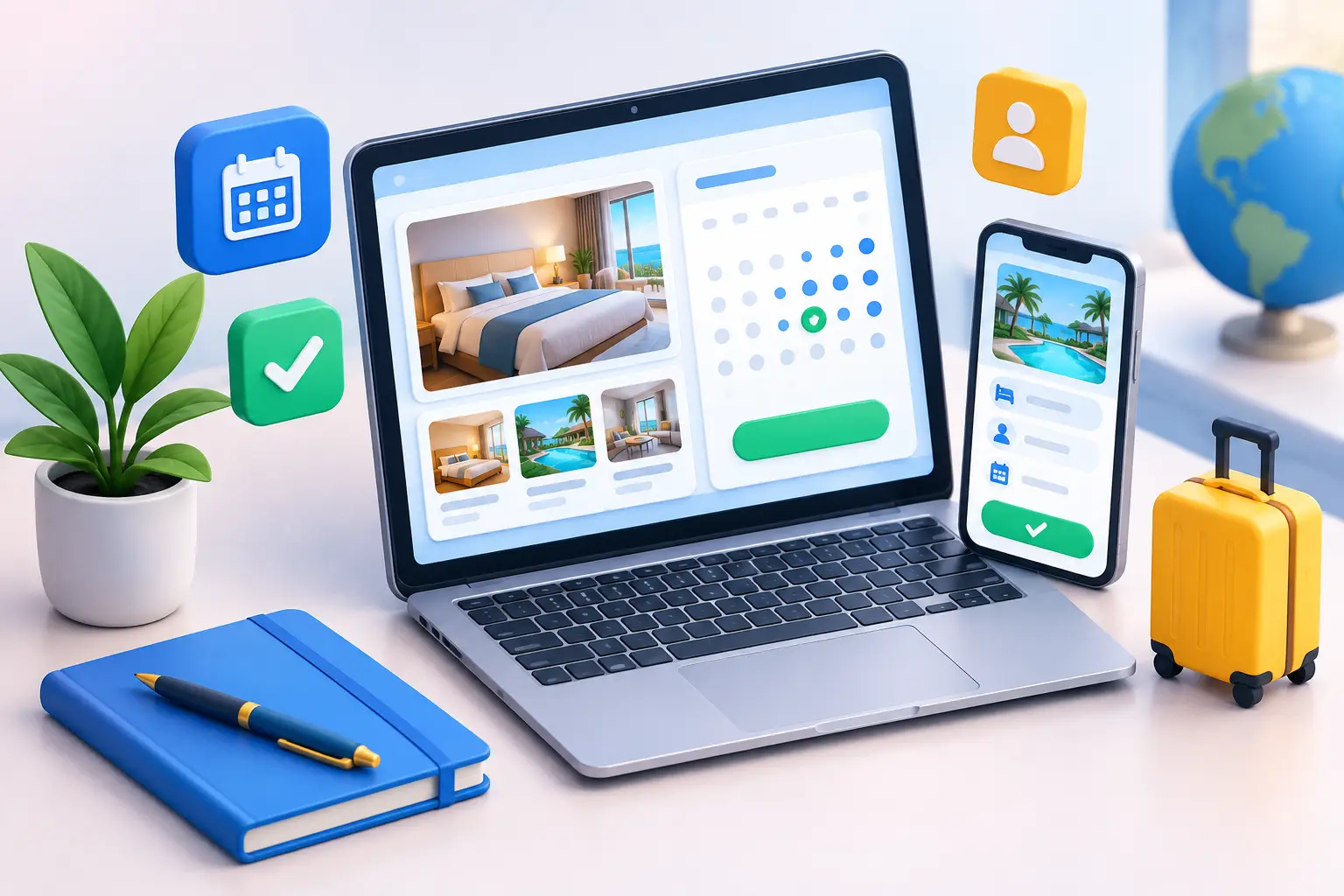
A local customer lands on your site at 9:30 p.m., compares you with two competitors, and wants an answer now. If they cannot see availability, ask a quick question, or book in under a minute, they move on. The best website features for bookings are not decorative extras. They are the conversion system that turns local search traffic into confirmed appointments, calls, and jobs.
For service businesses, a website should do more than look credible. It should reduce the number of steps between interest and action, capture leads after hours, and give your team the information needed to follow up fast. That is how a website starts contributing to revenue instead of sitting online as a digital brochure.
Start With a Booking Path That Is Obvious
Your primary booking action should be visible the moment someone arrives on the page. For a spa, that may be “Book Your Appointment.” For a garage, “Request Service” or “Book an Oil Change” may make more sense. A coaching business may need “Book a Discovery Call.” The wording should match the commitment you are asking the customer to make.
Put that action in the top section of the page and keep it visible as visitors scroll on mobile. Most local prospects are researching from a phone, often between errands or after work. They should not need to open a menu, read three paragraphs, and hunt for a contact page before taking the next step.
A strong booking path also gives customers a practical alternative. Some people are ready to schedule. Others have a question about pricing, location, service fit, or availability. A website that offers both a direct booking option and a fast call or message option captures more of those high-intent visitors.
The Best Website Features for Bookings Remove Friction
Every additional field, page load, or unclear instruction lowers completion rates. Booking features work best when they respect how local customers actually make decisions: quickly, on a small screen, and with limited patience.
Real-time availability and service selection
A booking tool should show available dates and times without requiring a phone call for routine appointments. Customers need to choose the service, select a provider or location if relevant, and see the next available slot. This is particularly valuable for appointment-led businesses such as salons, spas, clinics, tutors, and consultants.
For home service providers and garages, a request-based flow can be the better choice. A furnace repair, major auto repair, or renovation quote may require details before a time can be confirmed. In that case, ask for the job type, preferred contact method, postal code, and a short description. The goal is not to force every lead into a calendar. It is to make the next step clear and easy.
Mobile-first booking forms
A booking form that looks fine on a desktop can fail badly on a phone. Tiny date selectors, hard-to-tap buttons, long dropdowns, and unnecessary fields create abandonment.
Keep the initial form short. Name, phone number, email, preferred date or service, and a brief message are often enough. You can collect more information after the booking is confirmed or during the follow-up call. If your team needs photos for a roofing, landscaping, or repair request, make uploading them optional rather than blocking the lead.
Instant confirmation and reminders
A completed booking should trigger an immediate confirmation by email or text. The customer needs to know the request went through, what happens next, and how to reschedule if plans change. Your team needs the same booking information routed into one place.
Automated reminders protect your calendar. A reminder 24 hours before an appointment and another shortly before the scheduled time can reduce no-shows, especially for consultations and personal services. For request-based bookings, an instant reply can set expectations: “We received your request and will contact you within 10 minutes during business hours.”
That response time matters. A lead that waits hours for a reply may already have booked a competitor.
Use AI Chat for Questions That Delay Bookings
Not every visitor is ready to fill out a form. Many leave because one unanswered question creates hesitation. Do you service their area? Do you work on their vehicle make? What is included in a treatment? Are evening appointments available?
An AI chat assistant can handle these common questions around the clock, then direct qualified visitors to booking or collect their details for a callback. It is especially useful when your staff cannot monitor incoming messages while serving customers, driving between jobs, or managing a busy front desk.
The trade-off is accuracy. Chat should be trained on your real services, service areas, hours, policies, and common customer questions. It should not guess at final pricing, technical diagnoses, or promises your team cannot keep. Used properly, AI chat shortens the path to a booking. Used carelessly, it creates confusion your staff must fix later.
Show Trust Before You Ask for the Booking
Customers rarely book local services from a site that feels vague or unproven. Trust elements should appear near the booking action, not hidden on a separate page where few people will see them.
Relevant reviews, before-and-after work, certifications, years in business, financing information, clear guarantees, and real team photos all help reduce perceived risk. The proof you use depends on the service. A massage studio may benefit most from reviews that mention comfort and professionalism. A contractor needs evidence of work quality, insurance, and project results. A garage should make qualifications, warranties, and honest service feedback easy to find.
Pricing can also build trust, but it depends on the business model. If you offer fixed-price services, publish starting prices or clear packages. If every project requires an assessment, explain why and give customers a useful range or process. Hiding all pricing may produce more form fills, but it can also create low-quality leads and wasted calls.
Make Calls as Easy as Online Bookings
Many high-value local leads still want to speak to a person. A click-to-call button should be prominent on every mobile page, particularly service pages and location pages. It needs to lead to someone who can answer or at least capture the request quickly.
Missed-call text back is a practical addition for businesses that receive calls while on-site or with customers. If a prospect calls your Barrie business after hours and no one answers, an automatic text can acknowledge the call and invite them to book or reply with their service need. That keeps the conversation alive instead of allowing the lead to disappear.
For businesses with a high call volume, AI voice reception can answer basic questions, collect details, and route urgent calls. It will not replace the judgement needed for every customer conversation. It does ensure that the first response happens when speed matters most.
Connect the Website to Your Follow-Up System
A booking form without automation is only a digital inbox. Leads get missed when notifications go to one employee, appointment notes live in another platform, and nobody knows whether the prospect received a response.
Your website should send form submissions, chat conversations, calls, and confirmed bookings into a central CRM. From there, automated workflows can assign the lead, send confirmations, trigger reminders, and flag requests that have not received a response. Managers can see where bookings came from and which services or pages produce the best leads.
This is where many local businesses lose revenue. They invest in rankings, ads, and a new website, then handle inquiries with scattered emails, sticky notes, and voicemail. A coordinated system makes marketing spend more productive because fewer leads fall through the cracks.
Measure Bookings, Not Just Website Traffic
Traffic is useful only when it produces opportunities. Track completed bookings, phone calls, form submissions, chat-generated leads, booking completion rate, and no-show rate. These numbers show where the real bottleneck sits.
If a page gets visits but few bookings, the offer may be unclear, the booking button may be buried, or the page may not answer the customer’s key question. If forms are submitted but appointments do not happen, follow-up speed or qualification may be the issue. If your calendar has frequent no-shows, better reminders and clearer appointment policies may solve more than a website redesign.
The best improvements are usually specific. Test a clearer call to action, shorten one form, add reviews beside a booking button, or improve the instant response. Small changes compound when they are connected to real conversion data.
A booking-focused website should make it easy for a customer to choose you at the moment they are ready. Build for that moment, connect every inquiry to fast follow-up, and your website becomes an active part of operations rather than another tool your team has to manage.
Allan Heath
Founder of Ignite Leads. Helps local businesses grow through SEO, lead generation, and marketing automation — simplifying the playbook so owners can focus on the work.