Article
CRM Automation Review: What Actually Drives Bookings
September 22, 2026 • 6 min read
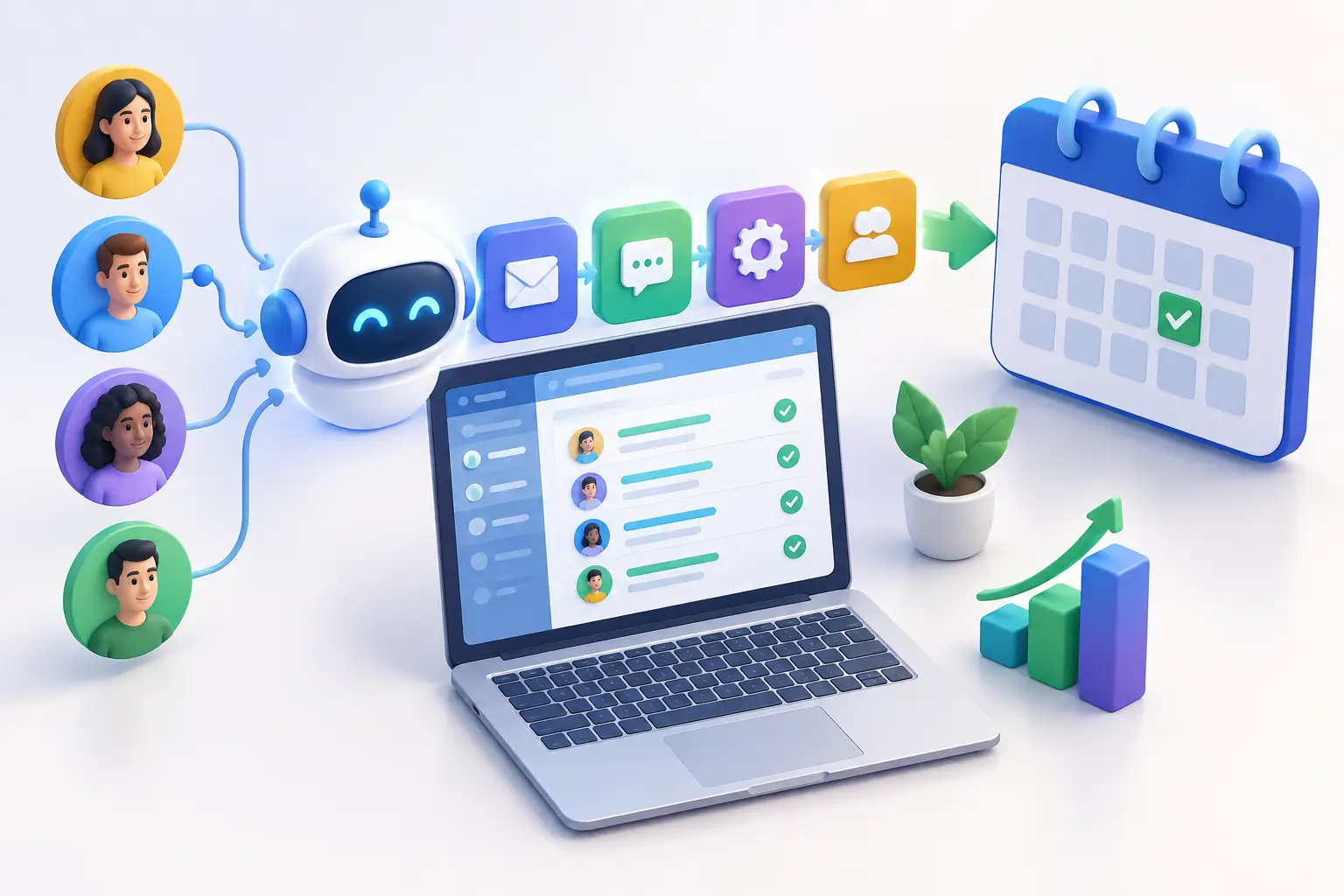
A CRM automation review should answer one question before anything else: does your system help your business book more customers without creating more work for your team? For a local garage, spa, contractor, or coaching business, the right answer is not measured by how many automations exist. It is measured by how quickly leads get a useful response, how reliably they are followed up, and how few opportunities disappear because everyone was busy.
Most local businesses do not have a lead problem alone. They have a lead-handling problem. A prospect calls while staff are with a customer. A web form lands after hours. Someone requests a quote, receives one reply, then hears nothing for a week. The CRM may contain the information, but no one has built a process that moves the lead forward.
That is what automation is meant to fix. But it only works when it supports the way your business actually sells.
CRM Automation Review: Start With the Customer Journey
Do not begin by reviewing triggers, tags, integrations, or template libraries. Begin with the path a real prospect takes from first contact to booked appointment. Map it out in plain language.
A customer may find you on Google, call from your Business Profile, submit a website form, send a message, or reply to an outreach campaign. Each entry point should arrive in one place, create a contact record, and trigger a clear next step. If staff must copy details from email into a spreadsheet, search through text messages, or remember to call back later, the process is already leaking leads.
The most useful review asks practical questions. Does every new lead receive an immediate acknowledgement? Does the system notify the right person? Can the prospect book an appointment without waiting for a manual reply? If they do not book, does follow-up continue at sensible intervals? Does the team know when to stop following up and when to call?
For many service businesses, speed-to-lead matters more than another marketing channel. The business that responds first often gets the conversation. A good CRM automation system protects that advantage, particularly outside normal business hours.
Review the Workflows That Affect Revenue
Not every automation deserves equal attention. Focus first on the workflows connected directly to calls, appointments, estimates, reviews, and repeat business.
New lead response
A new inquiry should trigger an immediate confirmation by text or email, along with an internal alert. The customer needs to know their request was received. Your team needs enough context to take the next step without digging through multiple platforms.
The message should be useful, not robotic. For example, a plumbing company can confirm receipt, ask for the postal code and service issue, and offer the fastest booking option. A spa can send available appointment times and a direct booking link. The goal is to reduce the gap between interest and action.
Watch for a common mistake: sending an automatic message but leaving the lead unassigned. Automation cannot replace ownership. Every lead should have a person, team, or queue responsible for moving it forward.
Missed-call handling
Missed calls are often the most expensive gap in a local sales process. Someone searching for an urgent service is unlikely to leave three messages and wait patiently. If your business misses the call, an automatic text should go out within moments, explain that the team is unavailable, and give the caller a simple way to continue the conversation.
This is also where AI chat or voice reception can help. It can collect basic details, answer approved questions, and route urgent inquiries. The trade-off is that it must be configured carefully. A generic virtual agent that cannot answer location, availability, pricing range, or service-area questions will frustrate callers rather than convert them.
Estimate and appointment follow-up
A quote sent without follow-up is not a sales process. It is a hope-and-wait process. Your CRM should create scheduled follow-ups after an estimate, consultation, or appointment request, while allowing staff to pause automation when a real conversation is underway.
Timing depends on the service. An emergency repair lead needs contact within minutes. A larger renovation estimate may need a structured sequence over several weeks. The system should reflect the buying cycle, not force every prospect through the same messages.
Keep the language direct. Ask whether they have questions, whether the timing changed, or whether they want to secure a booking. Avoid relentless daily reminders. Automation should create persistence, not pressure.
Review requests and reputation recovery
Review generation belongs in a CRM review because reputation affects the next lead before they ever contact you. After a completed service or positive interaction, the system can send a short request for a Google review. The best moment is usually when the value is fresh and the customer is satisfied.
Do not automate this blindly. A customer with an unresolved complaint should be routed to a recovery process, not asked to leave a review. Your team needs a simple way to flag service issues, respond quickly, and protect the relationship before a public complaint becomes the first thing new customers see.
Rebooking and reactivation
A strong CRM does not only chase new leads. It gives past customers a reason to return. Seasonal services, maintenance plans, follow-up treatments, inspections, and annual appointments can all be triggered by the date of the last completed job.
These campaigns work best when they are specific. A general message saying you miss the customer is easy to ignore. A reminder that their winter tire change, furnace maintenance, or treatment schedule is due is relevant and easier to act on.
Check Whether Your Team Can Actually Use It
A CRM can look impressive in a demo and still fail in a busy business. During your CRM automation review, test the daily experience for the people answering calls, sending estimates, and managing appointments.
Can they see the latest customer messages in one timeline? Can they change an appointment status in seconds? Can they tell the difference between a fresh lead, a booked job, a lost opportunity, and a customer who needs follow-up? If the answer is no, the automation may be technically functional but operationally weak.
Too many pipelines and custom fields create friction. Too few stages hide what is happening. For most local service teams, a simple pipeline with clear ownership beats an elaborate setup that only the marketing agency understands.
Reporting should be equally practical. You need to know where leads came from, how quickly they were contacted, how many booked, and how much revenue followed. Vanity metrics such as email opens can provide context, but they should not distract from calls, appointments, estimates, and closed work.
Look for Gaps Between Systems
The biggest CRM issue is often not the CRM itself. It is the handoff between disconnected tools. Your website captures a form but does not create a task. Your phone system records calls but does not connect them to contacts. Your online booking calendar fills appointments but does not trigger reminders. Your review tool runs separately from your customer records.
Every handoff is an opportunity for delay, duplication, or missed follow-up. A coordinated system gives your team one source of truth while automation handles the repetitive work in the background.
This does not mean every tool must be replaced. If a specialized platform is essential to your operation, integrate it where it makes sense. The decision should come down to reliability and staff adoption. The best stack is not the one with the most software. It is the one that gets used consistently and produces visible results.
Decide What to Fix First
Do not attempt a complete rebuild because your review uncovered ten issues. Start with the highest-value bottleneck. For many businesses in Barrie, Newmarket, Aurora, and Vaughan, that is missed calls or slow form responses. Fixing one workflow that captures more ready-to-buy leads can pay for the system before broader automation is even rolled out.
Next, standardize follow-up for estimates and unbooked inquiries. Then address review requests, customer reactivation, and reporting. This order keeps the focus on revenue before refinement.
Ignite Leads approaches CRM automation as part of a connected lead-generation system, not as another dashboard your team has to manage. The website, local visibility, inbound communication, review requests, and follow-up should work together because customers do not experience them as separate tools.
The right system should make a busy day easier. When the phone rings, a form arrives, or a customer goes quiet after receiving an estimate, your next step should already be clear. That is the standard worth holding your CRM to.
Allan Heath
Founder of Ignite Leads. Helps local businesses grow through SEO, lead generation, and marketing automation — simplifying the playbook so owners can focus on the work.