Article
How to Automate Customer Follow-Up Without Losing Leads
August 23, 2026 • 7 min read
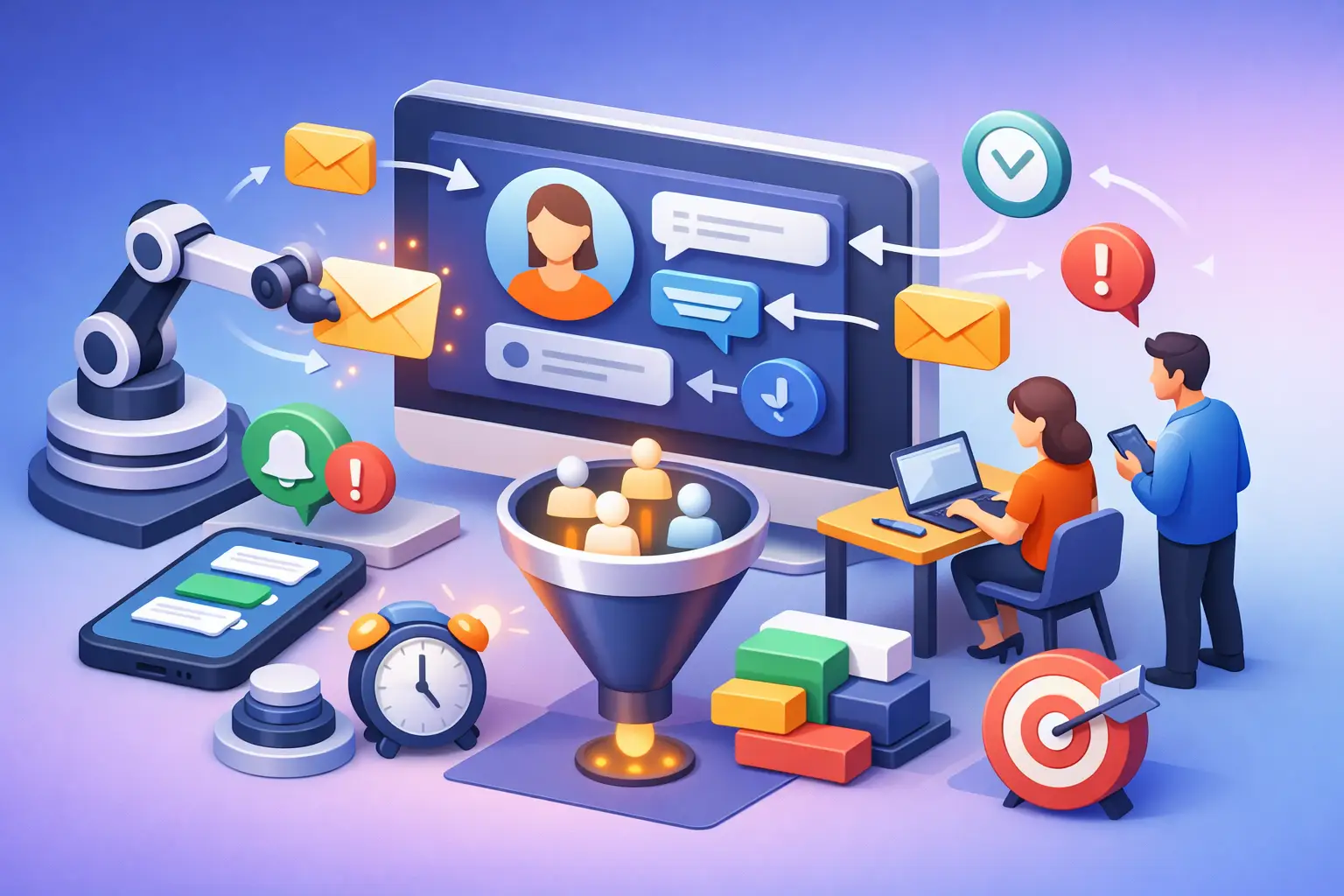
A missed call at 2:15 p.m. can become a booked job for your competitor by 2:20. For local service businesses, learning how to automate customer follow-up is not about replacing personal service. It is about making sure every enquiry gets a fast, useful response while your team is serving the customers already on the schedule.
A good follow-up system does three things: it responds immediately, keeps prospects moving toward a decision, and tells your team when a real conversation needs a human. That is how a garage follows up on a repair request, a spa fills an appointment slot, or a home service company turns a web form into a booked estimate without chasing every lead manually.
Start With the Gaps That Cost You Bookings
Before building automations, look at where leads currently disappear. Most businesses do not have a lead problem first. They have a response-time and consistency problem.
Check the full path from first contact to booked appointment. What happens when someone submits a website form after hours? Does a missed caller receive a text? Is there a reminder for an estimate that has not been accepted? Does anyone ask for a review after the job is complete?
If the answer depends on an owner remembering to do it, the process is not reliable enough to scale. Manual follow-up works when volume is low and the day is quiet. Local operators rarely have either condition for long.
The goal is not to automate every message. The goal is to automate the repeatable moments where speed and consistency matter most.
How to Automate Customer Follow-Up in the Right Order
Build the system around the customer journey, not around whatever features your CRM happens to offer. Each automation should have one clear trigger, one clear purpose, and one next action for the customer.
Respond to new leads within minutes
When a lead calls, texts, chats, or fills out a form, the first response should be immediate. A simple text or email can acknowledge the request, set expectations, and offer the fastest path to booking.
For example, a plumber could send: “Thanks for contacting us. We received your request and will call you shortly. If this is urgent, reply with your address and a short description of the issue.”
That message does not need to close the sale. It prevents silence, confirms the enquiry was received, and gives the prospect a reason to stay engaged. Your team can then receive an internal alert with the lead details and take over when needed.
For missed calls, use an automatic text-back message. This is one of the highest-value automations for service businesses because callers often contact several providers at once. The business that responds first is more likely to get the conversation.
Follow up on estimates and appointment requests
Many leads do not say no. They get busy, compare options, forget to respond, or wait until the problem becomes urgent again. Without a follow-up sequence, those opportunities sit in a spreadsheet or inbox until they are effectively lost.
Create a specific workflow for unbooked estimates and pending appointments. A practical sequence might send a check-in shortly after the quote, a value-focused reminder a few days later, and a final message asking whether the customer still wants help. If the lead responds, the automation should stop and notify your team.
Keep these messages short and relevant. “Just checking in” is weak on its own. Give the customer a reason to act, such as appointment availability, a seasonal need, a clear next step, or an offer to answer questions.
The timing depends on the service. A same-day repair lead may need a second message within hours. A renovation quote may need follow-up over several weeks. Do not use one generic sequence for every service line.
Reduce no-shows with confirmations and reminders
An appointment that is not confirmed is not fully booked. Automated confirmation messages make the customer feel looked after and reduce avoidable schedule gaps.
Send the first confirmation as soon as the appointment is set. Include the date, time, location or service address, and a simple way to reschedule. Then send a reminder before the appointment, with timing based on the type of service. A salon booking may benefit from a 24-hour reminder. A larger home-service visit may need a reminder the day before and another when the technician is on the way.
Make rescheduling easy. If customers have to call during business hours to change an appointment, some will simply not show up. A reply-by-text option or a clear booking link can protect your calendar and improve the customer experience.
Keep past customers active
Customer follow-up should not stop when the invoice is paid. Past customers are often the easiest source of repeat revenue, referrals, and reviews, but only if you stay visible at the right times.
A tire shop can send seasonal service reminders. A cleaning company can check in after a set service interval. A coach can follow up after a program ends with a relevant next offer. These messages work when they are based on the service delivered, not on a random promotional calendar.
The same applies to review requests. Ask after the customer has received the value of the service, ideally when the experience is still fresh. Keep the request polite and simple. If the customer had a problem, route that response to your team instead of pushing them toward a public review request.
Use One System for Conversations and Lead Status
Automation breaks down when the website, phone system, inbox, calendar, and customer list all operate separately. Messages get duplicated, staff cannot see what happened last, and leads receive follow-ups after they have already booked.
Your CRM should act as the source of truth. Every lead should have a clear status, such as new enquiry, contacted, booked, quote sent, won, lost, or follow-up required. When a status changes, the appropriate automation starts, pauses, or stops.
This matters because automation without accurate data can create awkward customer experiences. A prospect who booked yesterday should not receive another text asking whether they want an appointment. A customer who opted out should not be added to a promotional sequence. The system needs rules, but it also needs clean records.
For many businesses in Barrie, Newmarket, Aurora, and Vaughan, the bigger issue is not choosing a CRM. It is getting the full process set up properly, connected to lead sources, and maintained as the business grows. A half-built system creates more admin work than it removes.
Write Messages That Sound Like Your Business
Automated does not have to mean generic. The best messages are brief, specific, and written in the same plain language your team uses with customers.
Avoid long paragraphs, inflated promises, and messages that try to explain every service. The customer needs to know who is contacting them, why they are receiving the message, and what to do next.
Personalization helps when it is useful. Use the customer’s first name, requested service, appointment details, or location where appropriate. Do not force personalization into every line. “Hi Sarah, we saw you are interested in our premium solution” sounds less human than a direct message with a clear next step.
Also set boundaries. Marketing texts and emails require consent and careful handling. Transactional messages related to a requested service or booked appointment serve a different purpose than promotional campaigns. Keep contact preferences recorded in your CRM and make opting out straightforward.
Measure What Happens After the First Message
Automation is only valuable if it produces more booked work. Track the numbers that show whether your follow-up process is doing its job: speed to first response, contact rate, booking rate, quote-to-sale rate, no-show rate, and review volume.
Review these results by lead source. Google Business Profile calls, website forms, paid ads, referrals, and cold outreach do not always convert the same way. A lead source with fewer enquiries may produce more revenue if the follow-up is faster and the leads have stronger intent.
Watch for friction, not just volume. If leads reply to the first text but do not book, your booking process may be too slow or unclear. If estimates receive no response, the issue may be pricing, timing, or the quote itself. Automation exposes bottlenecks, but your team still needs to act on what the numbers show.
Keep Human Handoffs Where They Matter
Not every customer should be handled by a sequence. Complex projects, urgent service calls, unhappy customers, and high-value opportunities need a person involved quickly. Automation should flag these situations, assign the right staff member, and provide the conversation history so nobody has to start from zero.
That is the balance: automate the chasing, confirming, reminding, and routing. Keep people focused on advice, trust, problem-solving, and closing the work.
A well-built follow-up system gives your business a better chance to win every lead you already paid to generate. Start with the first response and missed-call follow-up, then add appointment reminders, estimate sequences, and post-service campaigns as your process becomes clearer. The right system does not make your customer experience feel less personal. It makes sure customers hear from you when it counts.
Allan Heath
Founder of Ignite Leads. Helps local businesses grow through SEO, lead generation, and marketing automation — simplifying the playbook so owners can focus on the work.