Article
How to Increase Map Listing Clicks and Calls
August 29, 2026 • 7 min read

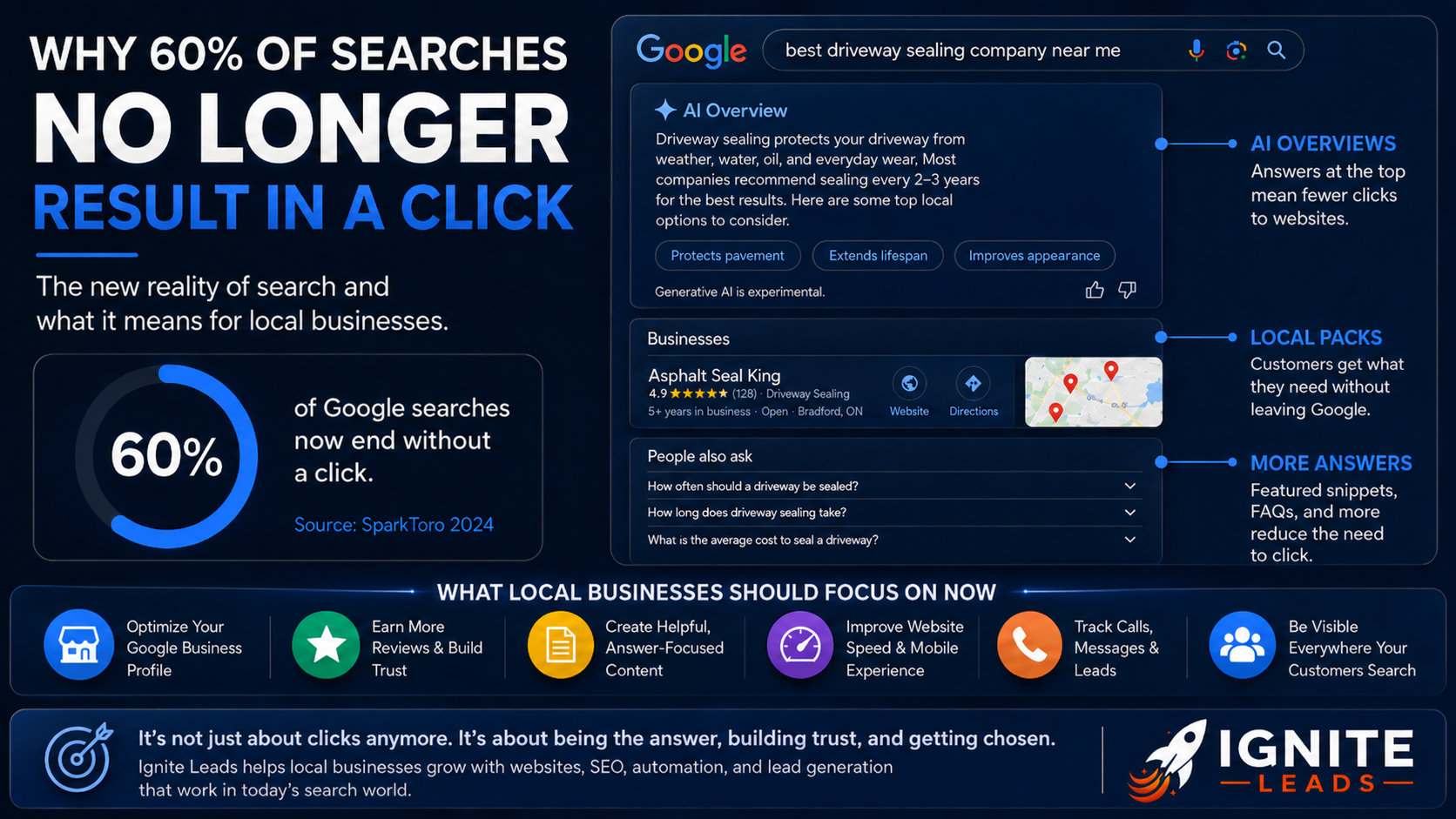
A map ranking that gets seen but not clicked is not producing leads. To increase map listing clicks, your Google Business Profile must answer a local customer's immediate questions: Can this business solve my problem, is it nearby, can I trust it, and can I contact it now?
For service businesses, the map pack is often the shortest path between a search and a booked job. A homeowner searching for an emergency plumber, a driver looking for a garage, or a customer seeking a nearby spa is making a fast decision. Your listing has seconds to earn the click, call, direction request, or website visit.
What map listing clicks actually tell you
Map listing clicks are not just a visibility metric. They indicate whether your listing is more compelling than the businesses positioned around you. Ranking in the top three matters, but position alone will not carry a weak profile. A competitor with better reviews, clearer services, recent photos, and an easy booking path can win the action even when it ranks below you.
Watch the actions that lead to revenue: calls, website clicks, messages where available, direction requests, and appointment bookings. A direction request may matter more for a salon or auto shop. A phone call may be the priority for a roofer, HVAC contractor, or restoration company. The right conversion depends on how customers buy from you.
That distinction affects how you improve the listing. Do not chase clicks for their own sake. Build a profile that attracts qualified local customers and moves them into a fast follow-up system.
Increase map listing clicks by fixing the decision points
Most business owners treat their profile like a digital business card. It needs to operate more like a high-intent landing page. Every field should remove uncertainty and make the next action obvious.
Choose accurate primary and secondary categories
Your primary category is one of the strongest relevance signals on your profile. It should describe the service you most want to be known for, not a broad label that feels safe. A garage that specializes in brake work and maintenance should not rely on a vague category if a more precise option matches its core business.
Secondary categories help Google understand the full range of work you perform, but they should be honest and supported by your website and service delivery. Adding every available category can dilute relevance and create a mismatch between what searchers expect and what your team handles.
Review categories whenever your offers change. If you have expanded from residential cleaning into commercial cleaning, or added massage treatments to an existing spa, your listing should reflect that change.
Write services for customers, not internal jargon
The services section is a major missed opportunity. Use clear service names your customers would recognize, then add short descriptions that explain the outcome, location coverage, and any useful qualifier.
For example, "furnace repair" is more useful than an internal phrase such as "heating system diagnostics." Add context such as after-hours availability, common makes serviced, or whether estimates are available. Keep it factual. Overloaded descriptions and exaggerated claims do not create trust.
If you serve Barrie, Newmarket, Aurora, and Vaughan, include those areas naturally where they are genuinely relevant. Do not turn every service description into a long list of cities. Customers want confirmation that you serve them, not keyword clutter.
Make the business description earn confidence
Your business description should quickly establish what you do, who you help, and why a customer should choose you. Lead with the core service and local outcome. Then use the remaining space to explain practical differentiators such as same-day availability, certified technicians, transparent estimates, specialized equipment, or a straightforward booking process.
Avoid generic claims like "best quality" or "number one service." Specific proof is stronger. "Evening appointments available" gives a customer a reason to click. "Locally trusted" does not, unless the profile's review count and rating support it.
Use photos that prove the business is active
Photos are often the deciding factor for map users, especially in appearance-driven or trust-sensitive services. A profile with one old logo and a stock image looks neglected. A profile with recent, useful visuals feels established and ready to serve.
Prioritize photos that show the following:
- Your exterior, signage, parking, and entrance if customers visit in person
- Your team at work, with uniforms, equipment, or branded vehicles visible
- Before-and-after results where appropriate and permitted
- Real examples of your workspace, treatment rooms, completed projects, or product quality
Add images consistently rather than uploading a large batch once per year. For home service businesses, completed work photos can support credibility. For spas and coaching businesses, professional images of the environment can reduce hesitation before a first appointment. Use high-quality photos, but do not over-produce them to the point they stop looking real.
Reviews create the click before the call
A high rating matters, but review velocity, recency, and substance matter too. A customer comparing three similar listings will usually notice the business with current reviews that mention the exact service they need.
Build review collection into your operating process. Ask after a successful job, completed appointment, or confirmed positive outcome. The request should be timely and simple. Your team should not have to remember every time, which is why CRM automation is useful. A trigger can send the request after payment, job completion, or a follow-up confirmation.
Do not offer incentives in exchange for reviews or filter requests so only happy customers are asked. Both approaches can create policy and reputation problems. Instead, make requesting feedback a standard part of customer service.
Respond to every review with a real response. A short thank-you is fine for many positive reviews, but add a relevant detail when you can. For critical reviews, respond calmly, acknowledge the concern, and move the resolution offline. Prospects read owner responses to judge how you handle problems, not just how many stars you have.
Keep hours, attributes, and contact options accurate
Nothing wastes a high-intent click faster than wrong business hours or a phone number that goes unanswered. Update regular hours, holiday hours, special closures, service areas, and appointment requirements before customers discover the problem themselves.
Use applicable attributes to answer common questions upfront. Depending on the business, that may include accessibility details, women-led ownership, online appointments, payment methods, or service options. Only select attributes that are true. Accuracy is part of conversion.
For businesses that take urgent calls, the phone experience is as important as the profile. If staff are in the field, missed calls need an immediate text-back or AI voice receptionist that can capture the request. More map clicks without fast response creates more lost opportunities. Speed-to-lead is where listing visibility becomes booked revenue.
Give customers a better destination after the click
Your website button should lead to a page that matches the service or location intent behind the listing. Sending every visitor to a generic homepage adds friction. If someone searched for "garage near me," the page should make it easy to see services, hours, reviews, location information, and a clear booking or call option.
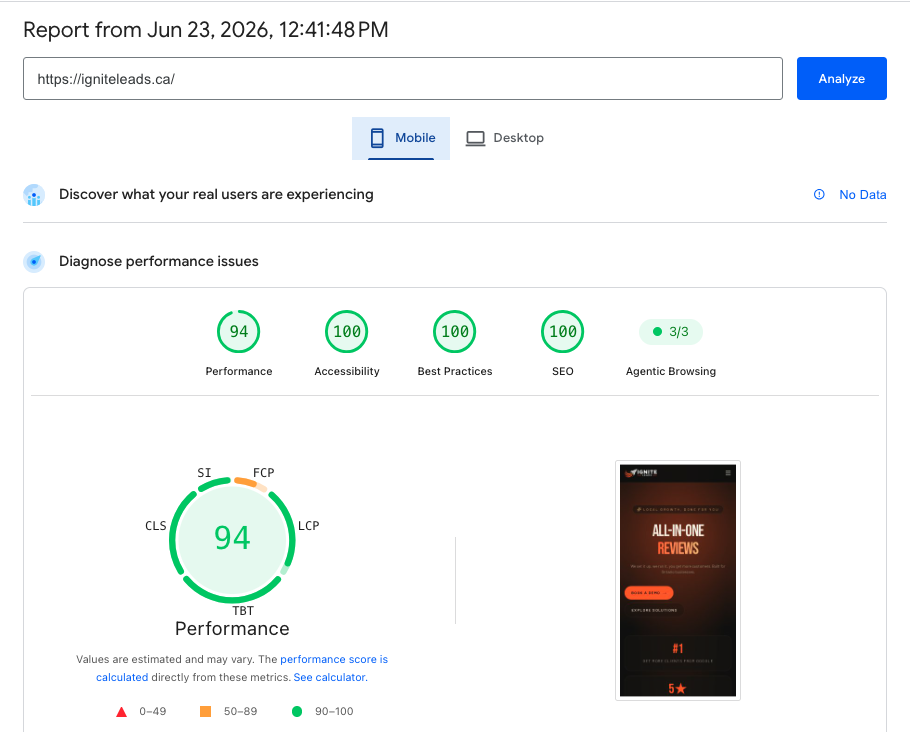
The mobile experience matters most. Buttons should be easy to tap, forms should ask only for what is needed, and response expectations should be clear. A long form can make sense for a high-value renovation quote. It is usually the wrong choice for a customer trying to book a tire change or request a same-day repair.
Track which actions produce actual opportunities. Calls may need call tracking and recording. Form fills should enter the CRM instantly. Appointment requests should trigger confirmation and reminders. This is where a managed system can outperform a collection of disconnected tools: the listing, website, reviews, and follow-up are measured as one customer acquisition process.
Use posts and updates with a practical purpose
Google Business Profile posts are not a substitute for strong categories, reviews, or photos. They can still reinforce relevance and give active customers another reason to choose you. Use them for seasonal services, limited availability, new offerings, recent projects, or clear promotions.
A winter tire installation offer from a Vaughan auto shop has a practical reason to exist. A weekly post that says "we are here to help" does not. Keep updates timely, visual, and connected to a customer action.
Check your profile monthly for duplicate listings, incorrect suggested edits, outdated services, weak photos, unanswered reviews, and inconsistent business information. For multi-location brands, create a repeatable process so each location remains accurate without copying identical content everywhere.
The goal is not to make your map listing look busy. It is to make choosing your business feel easy. When the profile gives customers proof, clarity, and a fast way to reach a real response, every local search has a better chance of becoming the next booked job.
Allan Heath
Founder of Ignite Leads. Helps local businesses grow through SEO, lead generation, and marketing automation — simplifying the playbook so owners can focus on the work.