Article
How to Set Up Instant Lead Alerts That Get Answered
September 6, 2026 • 7 min read
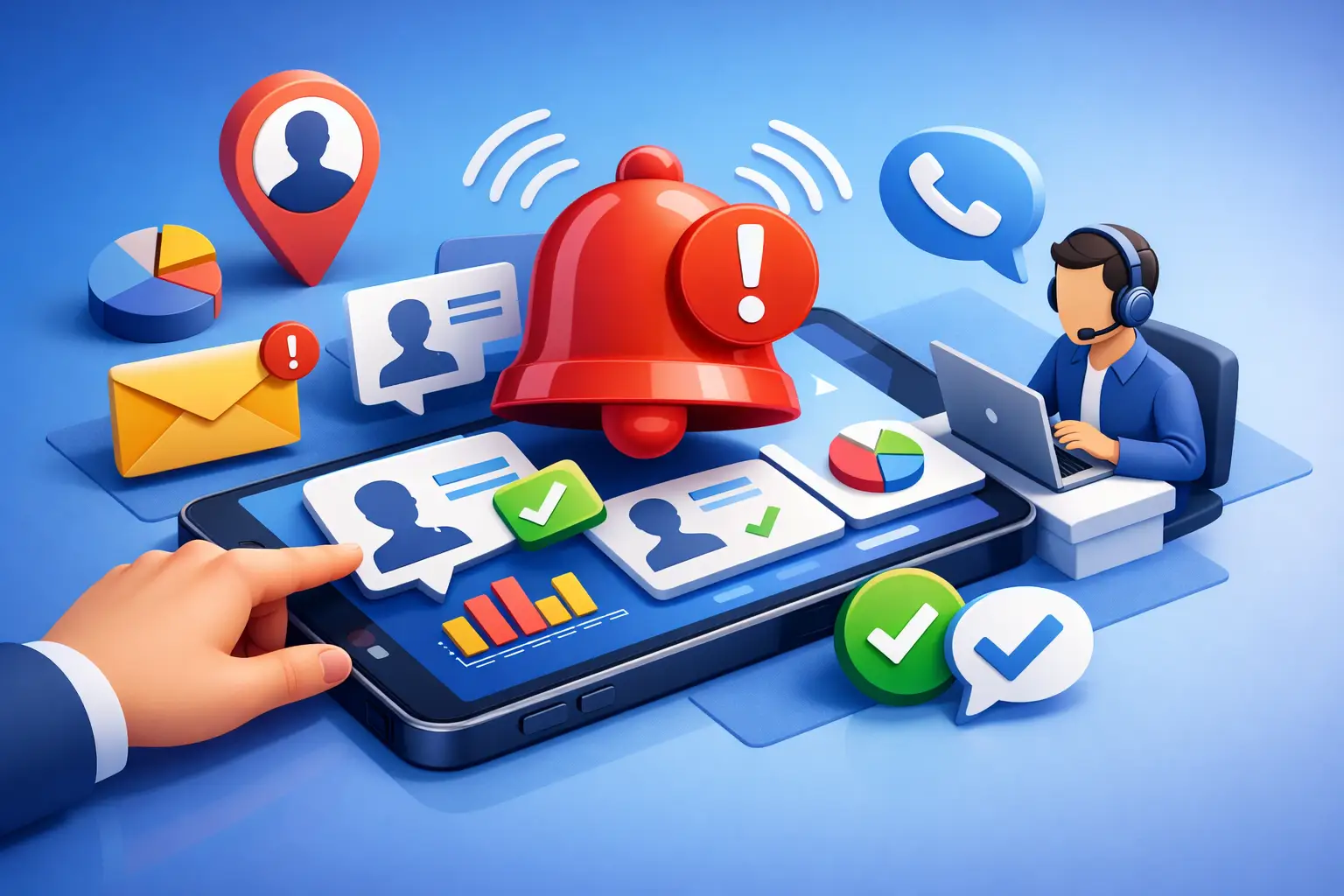
A new form submission at 8:14 p.m. is not just a notification. It is a customer actively looking for a quote, appointment, repair, or answer. If your team sees it the next morning, there is a good chance they have already contacted three competitors. When you set up instant lead alerts properly, you protect the moment when buyer intent is highest.
For local service businesses, fast response is often the difference between a booked job and another missed opportunity. The goal is not to flood your phone with alerts. The goal is to get every qualified lead to the right person, with enough context to act immediately, and a backup plan when they do not respond.
Why speed-to-lead changes local sales
A homeowner with a broken furnace, a driver needing a repair, or a prospective client looking for a coach is rarely researching for fun. They want help now. Their first question may be simple, but their expectation is clear: someone should respond quickly.
Slow follow-up creates avoidable friction. A lead fills out a website form, sends a Facebook message, calls after hours, or requests an appointment. That information lands in a shared inbox, a staff member’s personal phone, or a platform that nobody checks consistently. By the time someone replies, the lead has gone cold.
The problem is usually not effort. It is system design. Businesses use separate tools for their website, ads, calls, inboxes, scheduling, and customer records. No one owns the handoff from enquiry to conversation. Instant alerts close that gap, but only when they are connected to a defined response process.
Set up instant lead alerts around ownership
Before choosing channels or writing automated messages, decide who is responsible for each type of lead. An alert without an owner is just noise.
Start by mapping where enquiries currently enter your business. Most local businesses receive leads through website forms, phone calls, Google Business Profile messages, web chat, social media, online booking requests, referral forms, and cold email replies. Every source should feed into one central CRM or lead management system.
Then assign a primary responder. For a small garage, that may be the service advisor during business hours and the owner after hours. For a spa, it may be the front desk during the day and an automated booking assistant in the evening. For a home service company, it may be a dispatcher first, then the technician assigned to the area.
The system also needs an escalation rule. If the first person does not acknowledge or contact the lead within a set timeframe, notify the next person. This protects your business when staff are busy, driving, serving customers, or simply off shift.
A practical ownership model has four parts:
- A primary responder for each lead source and business hour
- A backup responder when the primary person is unavailable
- A response-time target, such as five minutes for urgent enquiries
- A clear action that counts as a response, not just opening the alert
For most service businesses, an acknowledgement is not enough. A lead should receive a call, text, email, chat response, or booking option that moves the conversation forward.
Send alerts where people will act
Email is useful for records, but it is rarely the best first alert channel for urgent enquiries. Staff often have overloaded inboxes, notifications turned off, or delayed access while on the road.
Text alerts work well when a person needs to respond quickly. A short message can show the customer’s name, service requested, location, phone number, and lead source. That is enough for the responder to call back without searching through systems.
Mobile app notifications can work if your team already uses the CRM consistently. The trade-off is adoption. Asking a busy operator to open another app can create delay. For critical leads, text and phone alerts are usually harder to miss.
Phone call alerts are best reserved for high-value or urgent requests, such as emergency plumbing, towing, restoration, legal consultations, or large commercial estimates. If every low-priority enquiry triggers a call, staff will start ignoring them. Match the alert intensity to the value and urgency of the lead.
Include the details that make a fast reply possible
An alert should help someone take action in seconds. “New lead received” is not enough. The responder still has to find the name, identify the service, and decide whether it needs immediate attention.
Build each alert around the information your team uses in the first conversation. Include the lead’s name, phone number, email, requested service, location, preferred contact method, source, and any message they submitted. If the lead came from an ad campaign or landing page, include that as well. It tells the team what offer or problem prompted the enquiry.
For a Barrie roofing company, a request mentioning an active leak deserves a different response than a request for a spring inspection. For an Aurora med spa, a consultation request tied to a specific treatment needs a different follow-up than a general pricing question. Context helps staff respond naturally and avoids making customers repeat themselves.
Keep alerts concise. The full record can live in the CRM. The alert should contain enough information to start the conversation and a direct way to access the complete lead profile if needed.
Build an immediate response before a person calls
Even excellent teams cannot answer every enquiry in under a minute. That is why the first automated response matters. It confirms that the business received the request and sets a clear expectation for what happens next.
A good first message is specific and useful. It should thank the customer, reference the requested service where possible, confirm when someone will respond, and offer a next step. For example: “Thanks for contacting us about your garage door repair. Our team has received your request and will call you shortly. If the door is stuck or unsafe, reply URGENT and we will prioritise it.”
Avoid generic messages that feel automated without adding value. “We have received your enquiry” is better than silence, but it does not reduce uncertainty. Customers want to know whether they are dealing with a real business that can solve their problem.
For after-hours leads, AI chat or voice reception can qualify the enquiry, answer common questions, collect missing details, and offer appointment times. It should not pretend to be a human or promise a response your business cannot deliver. The system needs to reflect your actual hours, service area, availability, and emergency policy.
Set rules for high-intent and after-hours leads
Not all leads deserve the same workflow. A customer requesting a same-day repair is more time-sensitive than someone downloading a guide or asking about future availability. Segment leads by urgency, service type, location, and estimated value.
High-intent triggers may include calls lasting more than a set duration, forms containing words such as “urgent” or “quote,” appointment requests, repeat website visits, or chat conversations that ask about pricing and availability. These leads can trigger an instant text alert to a manager or sales responder.
After-hours handling needs special attention. If you advertise 24/7 service, your alert system must connect to someone who can actually respond. If you do not offer 24/7 service, send an honest acknowledgement and provide the earliest realistic callback window. Overpromising damages trust faster than a clear, well-managed delay.
Measure response time, not just lead volume
A dashboard that shows 80 new leads looks positive until you learn that 30 received no response for hours. Lead volume matters, but response performance tells you whether your marketing spend is being converted into conversations.
Track the time from lead creation to first meaningful contact. Review it by source, team member, time of day, and service type. You may find that Google leads are answered quickly while website forms sit too long, or that weekend enquiries receive inconsistent follow-up.
Also measure contact rate, booked appointment rate, quote rate, and closed revenue. Fast alerts should create a business result, not just a faster notification. If leads are contacted quickly but bookings remain low, the issue may be the script, pricing, availability, or qualification process.
Review missed-alert reports weekly. Look for patterns: notifications sent to former staff, duplicate alerts, messages arriving outside coverage hours, or leads assigned to the wrong department. Small workflow fixes can recover revenue without increasing ad spend.
Keep the system simple enough to use
The best alert system is not the one with the most integrations. It is the one your team follows every day. Too many notifications create alert fatigue. Too many platforms create confusion. Too many manual steps create delay.
Use one central place for customer records, then connect the channels your staff will actually monitor. Make the workflow visible. Everyone should know what happens when a call is missed, a form is submitted, a chat starts, or an appointment request arrives.
Ignite Leads builds these response systems around the full local customer journey, from visibility and website conversion to follow-up and booking. The value is not another tool. It is having the process set up, monitored, and improved without adding more work to your day.
Your next lead is already comparing response times. Give your team a clear alert, a clear owner, and a clear next action, so the customer gets help while they are still ready to book.
Allan Heath
Founder of Ignite Leads. Helps local businesses grow through SEO, lead generation, and marketing automation — simplifying the playbook so owners can focus on the work.