Article
Why Local Businesses Need CRM to Win More Jobs
July 20, 2026 • 7 min read
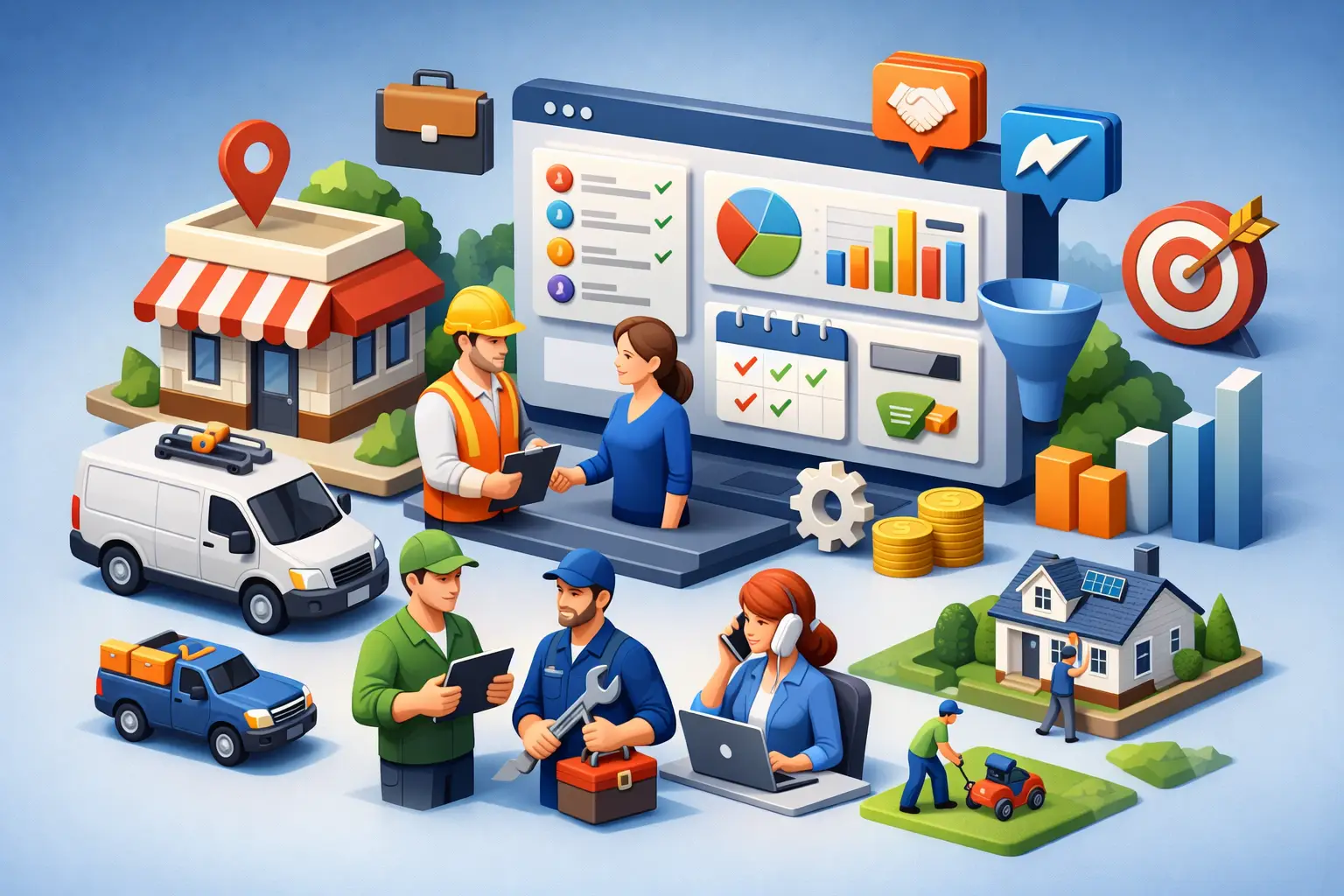
A homeowner in Barrie requests a quote from three plumbing companies at 8:42 a.m. The first company replies before 8:45. The second calls at lunch. The third finds the form submission the next morning. All three may do good work, but only one has controlled the first conversation.
That is why local businesses need CRM systems. Not because they need another dashboard, but because leads are expensive to generate and easy to lose. A CRM gives every call, form, chat, text, and booking request a clear next step. It replaces sticky notes, scattered inboxes, missed callbacks, and memory-based follow-up with a process that keeps moving until the customer books or says no.
For service businesses that rely on appointments, estimates, and inbound calls, the result is simple: fewer missed opportunities and more booked work from the leads you already have.
Why Local Businesses Need CRM for Faster Follow-Up
Most local businesses do not have a lead problem alone. They have a response-time problem.
A potential customer who submits a form is usually comparing options right away. They may be looking for a garage, spa, coach, contractor, or home service provider within a few kilometres of where they live. If nobody responds quickly, they do not wait around. They call the next business shown on Google.
A CRM captures the lead immediately and can trigger an instant confirmation by text or email. It can alert the right team member, assign ownership, and create a follow-up task if the lead has not been contacted. With AI chat or voice reception in place, customers can receive answers and booking options even when your team is busy with clients, driving between jobs, or closed for the day.
Speed matters, but consistency matters more. A fast first reply followed by silence still loses jobs. The CRM keeps the conversation active with scheduled reminders, quote follow-ups, appointment confirmations, and check-ins after missed calls.
Every Lead Needs an Owner and a Next Action
When leads live in individual phones or email inboxes, no one can see what happened next. The owner assumes the office called back. The office assumes the technician handled it. The technician is on a job site and never saw the request.
A properly configured CRM makes responsibility visible. Each lead is assigned to a person or team, placed in a pipeline stage, and given a defined next action. New enquiry, contacted, estimate sent, booked, completed, and lost are not just labels. They show where revenue is moving and where it is getting stuck.
That visibility is especially useful for growing businesses in Newmarket, Aurora, Vaughan, and Barrie where one missed high-value job can erase the value of a month of marketing spend.
A CRM Turns Marketing Into a Connected System
Local marketing often becomes a collection of disconnected tools. Your website collects forms. Google Business Profile drives calls. Social ads generate messages. Reviews appear on another platform. Estimates sit in email. Customer reminders happen manually, if they happen at all.
The problem is not that any one tool is bad. The problem is that no one can see the full customer journey.
A CRM acts as the operating layer between marketing and sales. When someone finds your business through local search, requests a quote on your website, calls your office, or starts a web chat, their details should enter the same system. From there, your team can track source, response time, conversations, appointments, quotes, and closed revenue.
This answers questions local owners should be able to answer without guessing: Which channels produce qualified leads? How many enquiries became appointments? How long does it take to respond? Which staff members are following up? How many estimates are still open?
Without that information, marketing decisions are based on impressions and anecdotes. With it, you can put more budget and attention into the channels that generate booked customers.
Follow-Up Should Not Depend on Memory
Many jobs are not lost because the customer chose a competitor immediately. They are lost because nobody followed up after a quote was sent.
People get busy. They need to speak with a partner, compare timing, wait for payday, or simply forget. A polite follow-up one day, three days, or one week after an estimate can bring the conversation back without putting more manual work on your team.
A CRM can automate these messages while keeping them relevant. For example, a home service business can send a text confirming that an estimate was delivered and asking whether the customer has questions. A spa can remind a new lead about available consultation times. A coaching business can follow up after a discovery call with a direct booking option.
Automation is not a licence to send generic messages every day. Poorly timed, repetitive follow-up can damage trust. The right approach is short, useful, and tied to a real customer decision. Automation should handle the routine touches so your staff can focus on conversations that need a human response.
Missed Calls Are Leads, Not Admin Tasks
For many local service businesses, a missed call is a lost booking unless someone reacts fast.
A CRM connected to call tracking and automated text-back can acknowledge the caller within seconds: “Sorry we missed you. How can we help?” That simple response gives the customer a way to continue the conversation instead of calling another provider. The system can then notify your team, log the interaction, and prompt a callback.
It will not replace a capable receptionist for every situation. Complex jobs, urgent issues, and established client relationships still deserve a real conversation. But it prevents the common failure point: a ringing phone with no follow-up plan.
Better Reviews Start With Better Customer Records
Reviews are one of the strongest local trust signals, yet many businesses ask inconsistently. Staff may remember after a great job, but forget when the day gets busy. That creates an uneven review flow and leaves your online reputation to chance.
With a CRM, a completed job or appointment can trigger a review request at the right time. The customer receives a simple message while the experience is still fresh. Your team does not need to remember every request, and managers can see whether the process is running.
Timing matters here too. Do not send a review request before a job is complete or while an issue is unresolved. A good CRM setup uses job status and customer feedback to make the process feel appropriate rather than automated for its own sake.
More consistent reviews support local visibility, but the bigger benefit is operational. Feedback reveals where the customer experience is strong and where it needs attention.
The Trade-Off: A CRM Only Works If It Fits the Operation
Buying a CRM does not automatically create growth. A system with too many fields, confusing stages, and features nobody uses becomes another abandoned subscription.
For a small local business, the best CRM is usually not the biggest one. It is the one that makes daily work easier. Your team should be able to see new leads, reply quickly, book appointments, follow up on estimates, and review results without opening five different tools.
Implementation also matters. Someone needs to set up the pipeline, connect forms and calls, write follow-up messages, create booking rules, train staff, and monitor performance. If that work is left half-finished, the CRM becomes a digital filing cabinet rather than a revenue system.
This is where a managed approach can make sense. Ignite Leads builds and operates connected local growth systems so businesses can focus on serving customers while the website, lead handling, follow-up, reputation, and reporting work together.
What to Measure Once Your CRM Is Running
Do not judge a CRM by how many contacts it stores. Judge it by what changes in the business.
Watch your response time to new enquiries, the percentage of leads contacted, appointment booking rate, quote-to-job conversion rate, no-show rate, and the number of open estimates that receive follow-up. Track lead source as well, so you know whether Google searches, referrals, website forms, or campaigns are producing revenue.
Start with a simple baseline. If your team currently follows up with only half of quote requests, improving that one number can create more jobs without increasing ad spend. Once the process is stable, refine messages, timing, staff ownership, and lead routing.
A CRM should not make your business feel more complicated. It should make the next right action obvious. When every enquiry receives a fast response, every estimate gets a follow-up, and every completed job has a path to a review, growth becomes less dependent on luck and much easier to manage.
Allan Heath
Founder of Ignite Leads. Helps local businesses grow through SEO, lead generation, and marketing automation — simplifying the playbook so owners can focus on the work.